Husqvarna Zero Turn Belt Diagram and Maintenance Guide
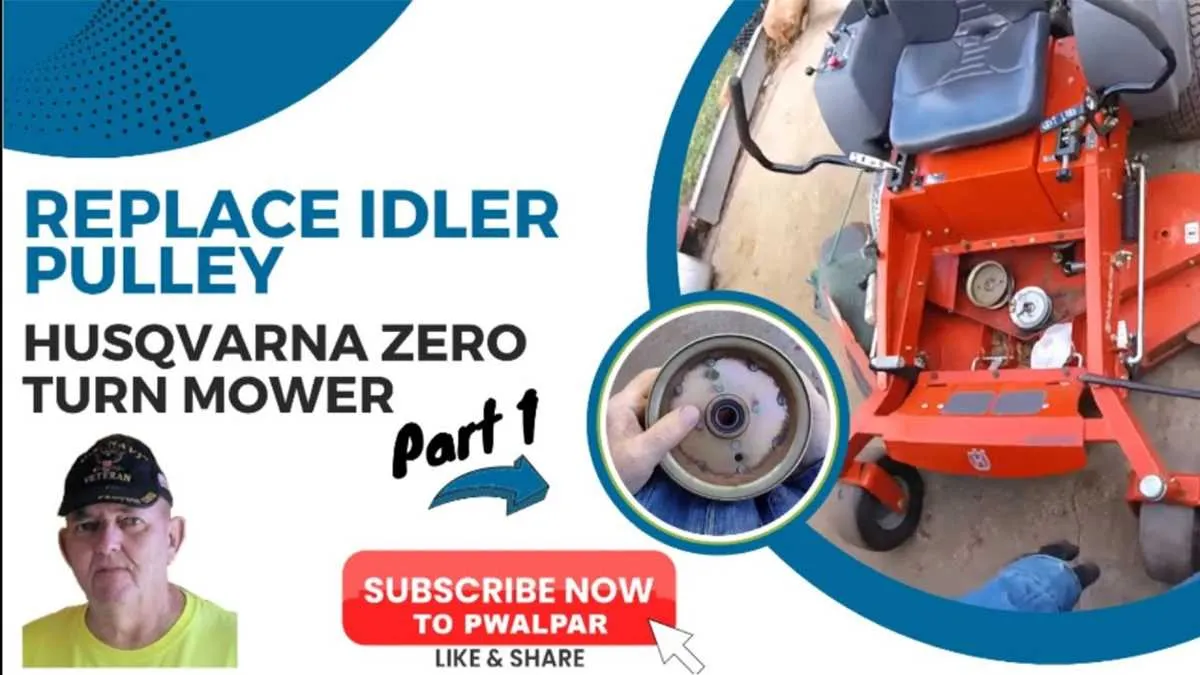
To properly maintain your Husqvarna zero turn mower, understanding the belt layout is key. Knowing where each belt runs will help in troubleshooting, replacement, and overall maintenance. The drive belt system is central to ensuring smooth operation and power delivery to the mower’s wheels and blades.
Start by familiarizing yourself with the specific model’s belt diagram, as Husqvarna offers different configurations. For most models, there are belts responsible for the deck engagement, drive system, and PTO. These belts can wear out over time and need to be replaced to avoid excessive wear on the mower’s components.
Check the tension of the belts regularly. If any belt shows signs of slack, misalignment, or wear, replace it immediately. A poorly aligned belt can cause the mower to perform inefficiently or even damage other parts of the mower.
Refer to the diagram to understand which belt runs where. Each one serves a distinct purpose and must be routed properly to prevent mechanical failure. Keep the diagram handy for reference when performing repairs or routine maintenance.
Husqvarna Zero Turn Belt Diagram
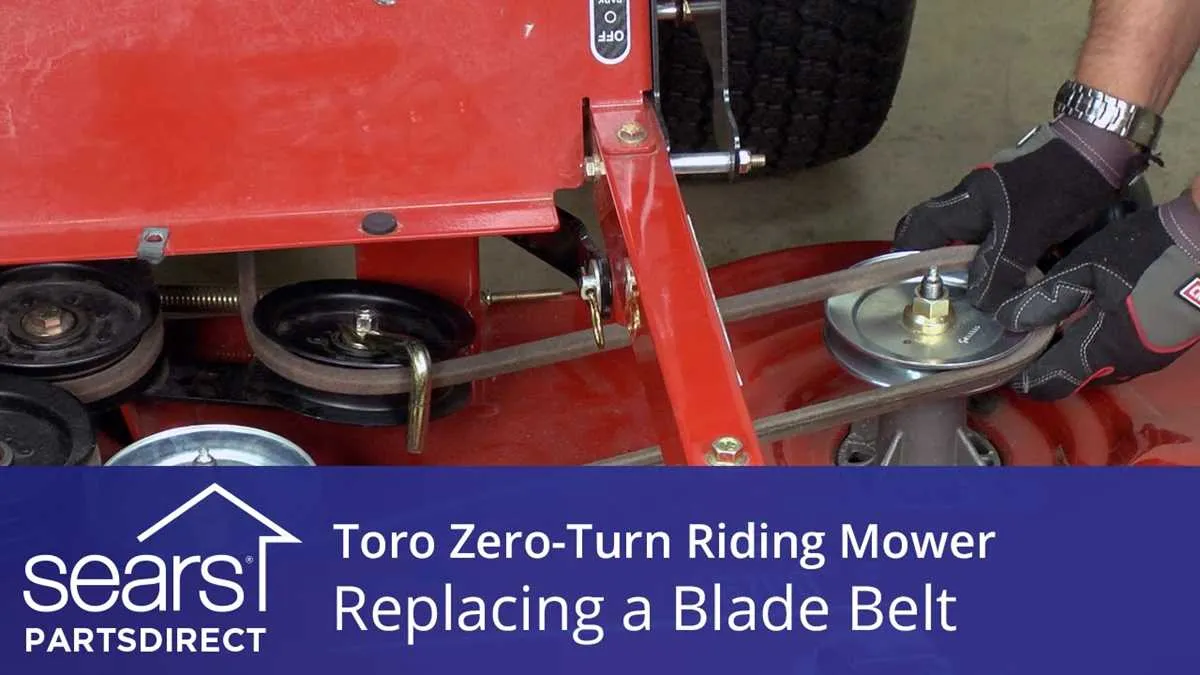
The Husqvarna zero turn belt diagram is a vital reference when working on the mower’s drive system. Understanding the layout and the path the belts follow helps in diagnosing issues and performing maintenance. The belts in zero-turn mowers play a crucial role in transferring power from the engine to the wheels and blades. Incorrect belt routing or worn belts can cause performance issues and even failure.
Start by identifying the main components in the system: the engine, pulleys, and spindles. The belts should follow a specific path across the pulleys to ensure proper operation. To simplify, focus on the following steps when examining the diagram:
- Engine Pulley: This is where the power originates. The engine pulley connects to the transmission and blade spindles through the belt system.
- Idler Pulleys: These pulleys help guide and tension the belts. In the diagram, look for the routing around these pulleys to ensure that the tension is properly maintained.
- Transmission and Blade Spindles: These components are connected by the belts. If a belt is broken or improperly routed, the mower will not function correctly.
Always check for wear and tear in the belts, especially around the idler pulleys and the main engine pulley. Replace any damaged or stretched belts immediately. Follow the exact routing shown in the diagram to avoid issues with belt slipping or misalignment.
If you need to replace the belts, first make sure the mower is turned off, the key is removed, and the parking brake is engaged. Refer to the diagram for precise belt routing, ensuring each belt is positioned in the correct path. Be mindful of the belt tension, as over-tightening can cause premature wear on both the belts and pulleys.
Consult the manual for your specific model for detailed instructions, as different Husqvarna zero-turn mowers may have slight variations in belt configurations. The diagram is the most accurate reference to avoid any confusion during installation.
How to Read the Husqvarna Zero Turn Belt Diagram
To correctly interpret the Husqvarna Zero Turn belt diagram, focus on the layout of the components and the routing paths. Each line represents a belt, and the arrows indicate the direction in which the belt should run across various pulleys.
Begin by identifying the main drive pulley. This is usually the largest pulley in the diagram, often located at the bottom of the image. From this point, trace the belt’s path as it loops around the other pulleys, idlers, and tensioners. Pay close attention to how the diagram shows the belt’s interaction with these components, ensuring that you match the exact routing specified in the diagram.
Next, check for any annotations or labels that could clarify pulley sizes, belt tension, or specific maintenance instructions. These details are essential for understanding the system’s efficiency and ensuring proper operation. For instance, some diagrams will highlight a specific pulley that should be adjusted for correct tension.
Double-check the placement of the idler pulleys. These are crucial for belt tension, which affects performance. Make sure the tensioners are positioned exactly as shown, as improper alignment can cause slippage or premature wear of the belt.
Lastly, ensure that the belt diagram corresponds to the exact model of your Husqvarna Zero Turn mower. Even small variations in pulley arrangement or belt length can cause major issues with the operation. Always refer to the model-specific diagram when performing repairs or maintenance.
Identifying Common Issues in Husqvarna Zero Turn Belt Systems
One of the most frequent issues with Husqvarna zero turn belt systems is belt slippage. This happens when the belt loses tension and fails to maintain proper contact with the pulleys. Check the tensioner spring to ensure it’s in good condition. Replace it if it’s worn out or broken.
Worn belts are another common problem. If the belt shows signs of cracks or fraying, it’s time to replace it. Inspect the belt frequently for visible damage, especially if the mower is experiencing poor performance or making unusual noises.
Another issue is misalignment of pulleys. Pulleys that are out of alignment can cause uneven belt wear and lead to premature failure. Align the pulleys carefully and check for any debris or buildup that might obstruct their movement.
Overheating of the belt can occur if the mower is used in extreme conditions or overworked. Ensure that the cooling system is functioning properly, and avoid operating the mower under excessive load for long periods.
Finally, debris buildup around the pulleys can impede the smooth movement of the belt. Regularly clean the pulleys and the surrounding areas to prevent any obstruction. Keeping the system clean helps prolong the lifespan of the belt and its components.
Step-by-Step Guide for Replacing the Husqvarna Zero Turn Belt
To replace the Husqvarna Zero Turn belt, gather the necessary tools: a socket wrench set, belt tool, and gloves for protection. First, disconnect the battery to ensure safety while working on the mower.
Next, raise the rear of the mower using a jack or appropriate lifting device. Secure it properly before proceeding. Locate the old belt. You will find it around the pulleys and around the drive system. Refer to the belt diagram for guidance on pulley placement.
Release the tension on the belt by loosening the tensioner pulley. If the mower has an idler pulley, this can be done by moving it away from the belt. Carefully remove the belt from the pulleys. Pay attention to its path and how it is routed, as this will be critical for installing the new belt.
Place the new belt in the same routing as the old one. Ensure the belt is correctly positioned on all pulleys. Double-check the alignment before moving forward.
After positioning the belt, reattach the tensioner pulley. Tighten it enough to keep the belt taut but not overly tight, as this can cause damage to the belt over time. Ensure the belt is securely fastened and aligned properly.
Finally, lower the mower back to the ground and reconnect the battery. Start the mower to check if the belt operates smoothly and without issues. If there is any unusual noise or malfunction, turn off the mower and recheck the belt installation.