John Deere Z425 54 Inch Deck Belt Diagram and Maintenance Guide
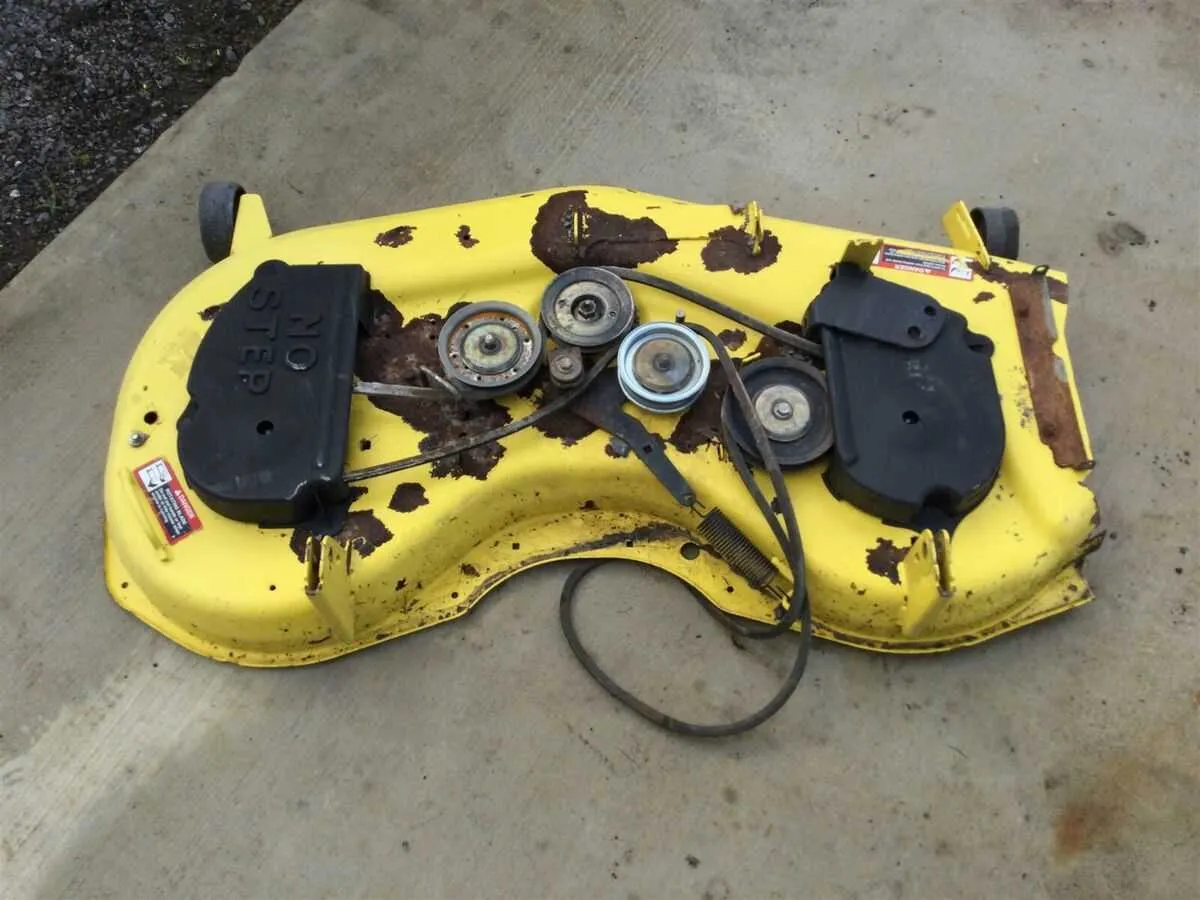
If you’re replacing or adjusting the belt on your John Deere Z425 with a 54-inch deck, understanding the belt diagram is a must. This clear visual guide shows you exactly where each part of the belt system fits, ensuring smooth operation of the mower deck. Start by locating the belt routing diagram on your mower, usually found on the frame near the engine or under the deck itself.
The Z425 belt system is straightforward but requires attention to detail. The belt runs over pulleys and idlers, creating the necessary tension to power the blades. Be sure to follow the diagram closely to prevent any mistakes during installation. If the belt is worn or damaged, replacing it in the correct path will restore your mower’s cutting performance.
For maintenance, it’s important to inspect both the belt and pulleys regularly for signs of wear. If the mower is vibrating more than usual or making strange noises, it could be a sign of a misaligned or damaged belt. With the proper diagram in hand, you can address these issues without unnecessary hassle.
Remember to check the belt tension after installation. If the tension is too loose, the blades won’t operate at full power. Too tight, and you risk damaging the system. A correctly routed belt and properly adjusted tension will keep your John Deere Z425 running smoothly through every cut.
John Deere Z425 54 Deck Belt Diagram
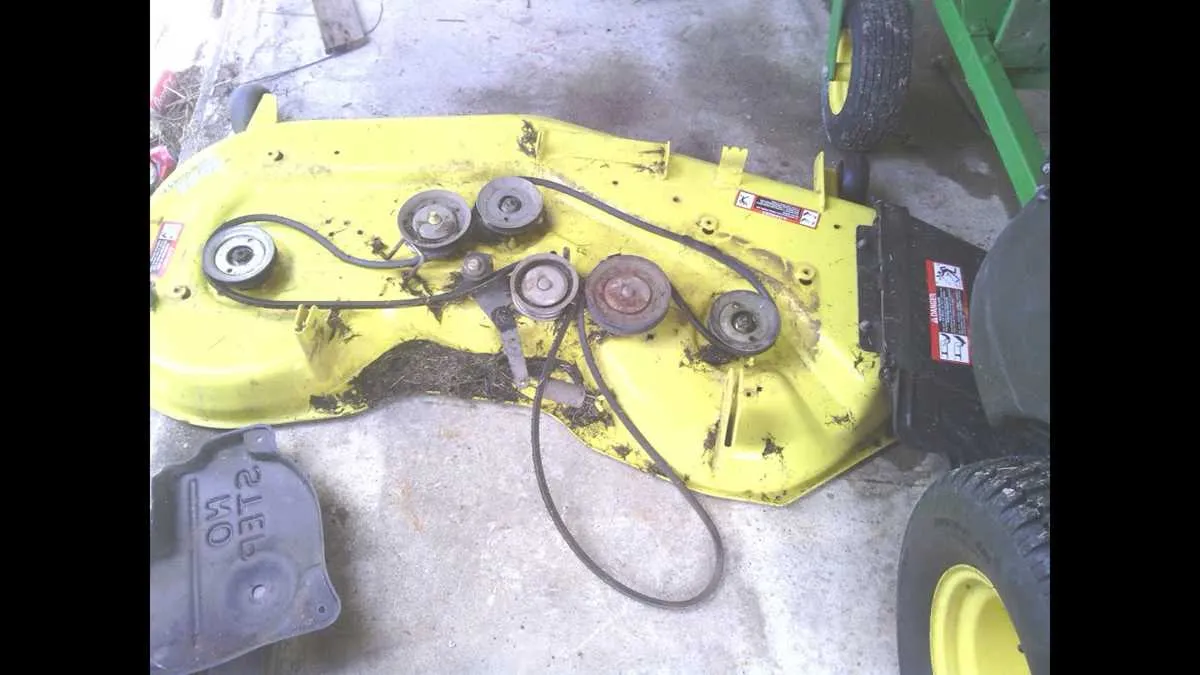
To replace or adjust the deck belt on your John Deere Z425, follow this diagram for accurate routing. The Z425 uses a 54-inch mower deck, and proper belt installation ensures optimal performance. Make sure the engine is turned off and the mower is parked on a flat surface before starting.
1. First, remove the deck from the mower by disconnecting the suspension springs, cutting the retaining pins, and lifting it off the tractor. Lay it flat for easier access.
2. Identify the belt path according to the diagram. The belt should loop around the two spindle pulleys, the idler pulleys, and the engine drive pulley in a specific order. Ensure the belt is routed correctly around the pulleys to avoid any issues with belt tension or wear.
3. Begin by placing the belt over the engine drive pulley, and then carefully route it over the main spindle pulleys, making sure to follow the tight and loose side instructions as outlined in the diagram.
4. The belt should pass through the idler pulleys, ensuring that the spring-loaded tensioner holds the belt securely in place. Adjust the tensioner to ensure the correct tension is applied, which will help prevent the belt from slipping during operation.
5. Double-check the belt routing before reassembling the mower deck. A misrouted belt can lead to poor cutting performance or premature wear.
6. Once the belt is correctly installed, reattach the deck to the tractor, secure the suspension springs, and reconnect the retaining pins. Test the mower at low speed before using it at full throttle to ensure smooth operation.
Understanding the Belt Routing on John Deere Z425 54″ Deck
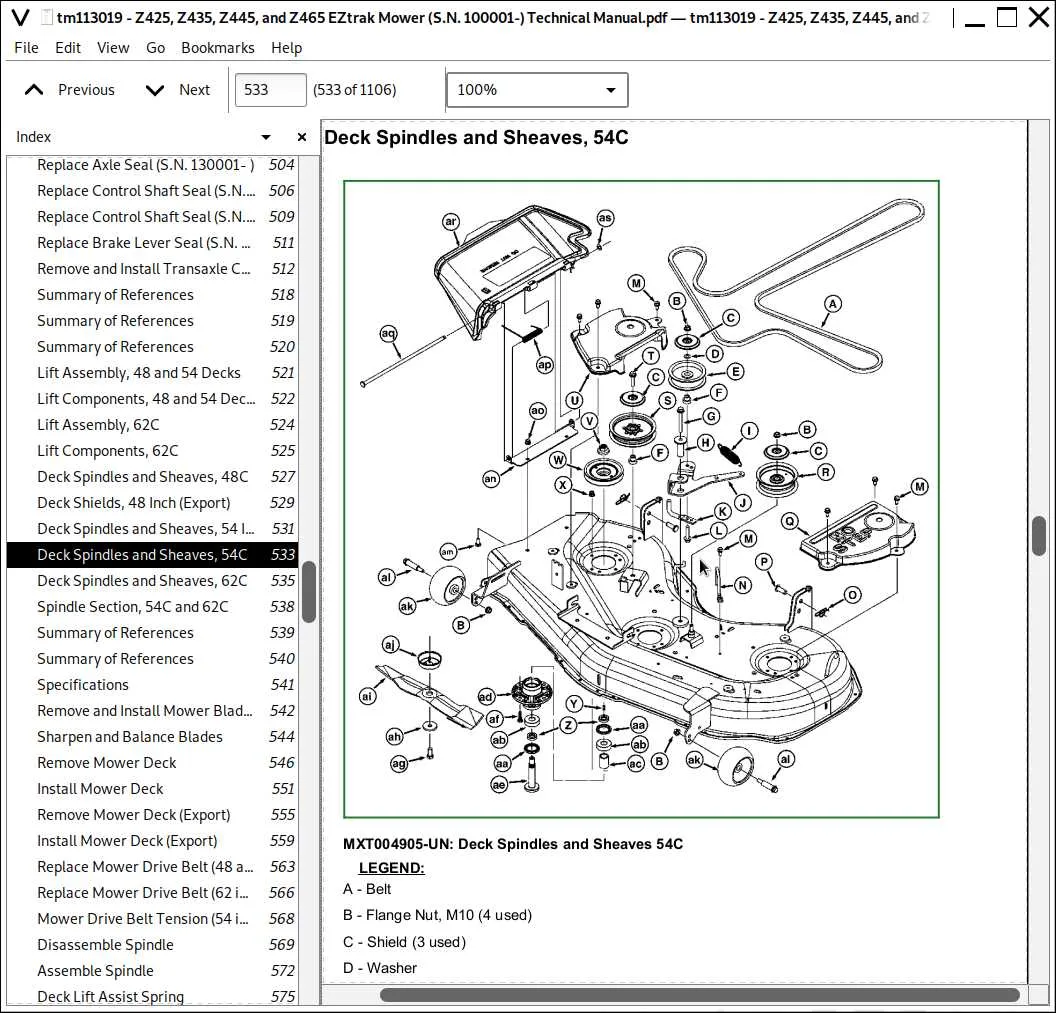
To replace or maintain the belt on the John Deere Z425 54″ deck, follow the exact routing pattern for optimal performance. Improper installation can lead to premature wear or reduced cutting efficiency.
Begin by ensuring the mower deck is raised and secured to prevent accidents. The routing process involves multiple pulleys, so it’s essential to follow the specific path outlined in the diagram.
Here’s a simplified breakdown of the routing steps:
- Start by threading the belt around the engine pulley, ensuring the grooves match the pulley’s design.
- Guide the belt around the tensioner pulley. Make sure the spring-loaded tensioner provides enough pressure to keep the belt in place.
- Next, route the belt over the deck pulleys, which guide the belt to the blade spindles. Each blade requires a dedicated path, so be mindful of their positions.
- Finish by ensuring the belt aligns correctly around the idler pulley, which helps manage the belt’s tension across the deck.
After completing the routing, check the belt for any slack or misalignment. Any irregularities can cause poor performance or damage to the mower. Adjust the tension as needed, and always refer to the manufacturer’s diagram for exact details.
Common Belt Replacement Issues and Solutions for Z425
Check the new belt for proper size before installation. A belt that’s too tight or too loose will cause premature wear and poor performance. Always confirm the part number and specifications with the manual.
If the belt slips or jumps off during operation, the issue is often related to improper alignment of pulleys. Inspect the pulleys for any signs of wear or damage, and make sure they’re clean and free of debris. Misaligned pulleys can also be caused by worn-out bearings, so check those too.
A squealing noise while mowing can indicate that the belt is too tight or misaligned. It can also be caused by the belt rubbing against other parts. Adjust the tension or inspect the routing of the belt to avoid contact with surrounding components.
If the belt wears out quickly, check for sharp edges or debris on the pulleys. Regularly cleaning these components and replacing worn-out parts will prolong the life of your new belt. Sometimes, replacing the tensioner spring can help restore proper tension and prevent slippage.
In cases where the mower won’t start or stalls frequently, inspect the belt for any tears or fraying. A damaged belt can cause excessive load on the engine and prevent proper startup. If you find any damage, replace the belt immediately.
For smooth operation, lubricate the pulleys, but avoid over-lubricating as it can attract dust and debris, leading to further wear on the belt. Keep the mower deck clean and check for loose or missing bolts that might interfere with the belt’s movement.
How to Properly Tension and Install the Belt on John Deere Z425
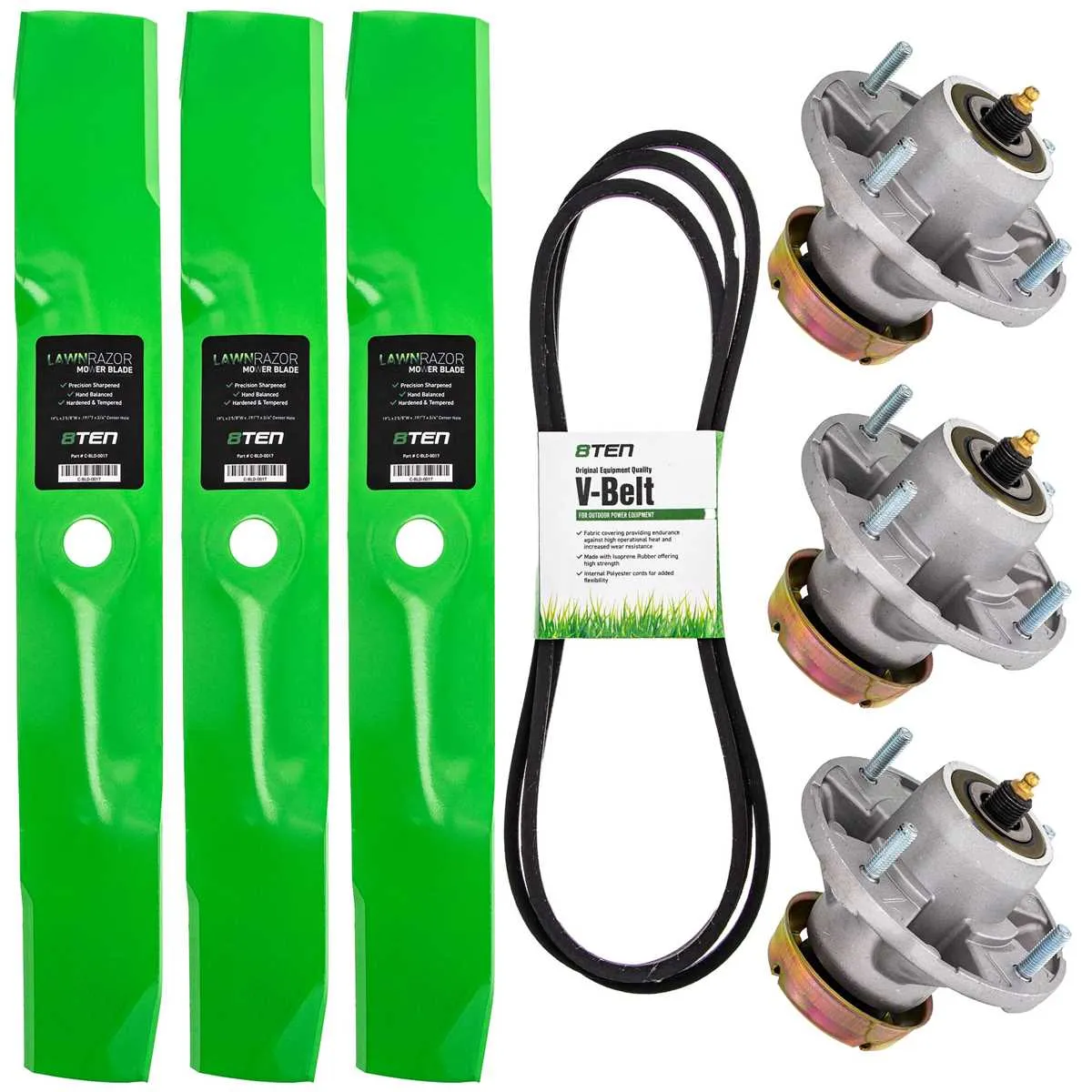
Align the belt along the deck pulleys first. Make sure the belt is routed correctly according to the diagram, ensuring it runs smoothly over each pulley without twisting. Check the tensioner spring to confirm it’s in the proper position for belt installation. The spring should be installed securely, as it controls the belt tension during operation.
Next, carefully slide the belt over the engine pulley and into the tensioner area. To reduce friction, rotate the tensioner pulley using a wrench or ratchet tool, creating enough space to fit the belt into the tensioner. After the belt is in place, release the tensioner slowly and allow it to apply tension to the belt.
Verify the tension. The belt should feel snug but not overly tight. Press down on the belt at the center of the span between two pulleys. It should deflect around half an inch with moderate pressure. If the belt is too loose or tight, adjust the tensioner spring accordingly.
Once the belt is in position and properly tensioned, inspect its alignment along the pulleys. Any misalignment could cause premature wear or slippage. Rotate the pulleys manually to check that the belt moves smoothly without binding.
If everything is aligned and tensioned correctly, test the mower by running it briefly. Listen for any unusual noises that might indicate an issue with the belt installation. If the belt runs quietly and smoothly, the installation is complete.