John Deere Z930M Drive Belt Diagram with Parts Identification and Routing Guide
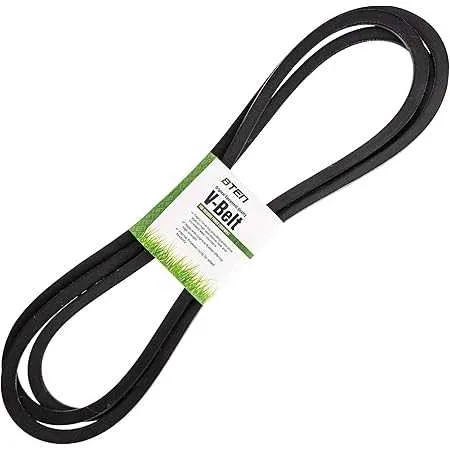
Check the drive belt path on the John Deere Z930M before replacing or adjusting it. The diagram shows the exact routing around the PTO clutch, idler pulleys, and mower deck spindles, helping you avoid misalignment that can cause uneven cutting or belt wear.
Always release the belt tension by moving the idler arm before removing the old belt. Place the new belt following the diagram carefully, making sure each groove sits correctly in the pulleys. A slight misplacement can reduce power transfer and shorten the belt’s life.
Inspect each pulley while working with the diagram. Smooth rotation without noise indicates good condition, while wobbling or grinding means a replacement is needed. Checking this during installation saves time and prevents future breakdowns.
After positioning the belt, reapply tension and confirm that the diagram matches the final setup. Rotate the pulleys by hand to ensure smooth movement. This quick step guarantees that the mower deck engages properly and the drive system works without strain.
John Deere Z930M Drive Belt Diagram
Check the diagram before replacing the drive belt on your John Deere Z930M to avoid misalignment and uneven tension. The belt runs from the engine pulley at the rear, through the idler pulleys, and connects to the deck spindle pulleys on the mower deck.
Key routing points: the belt must sit correctly in the V-groove of the engine pulley, pass around the flat idler pulley with the smooth side in contact, and wrap tightly around the spindle pulleys with the ribbed side inside the grooves. Misplacement at any point can cause slipping or premature wear.
Use the spring-loaded tensioner to secure the belt after routing. Pull the tensioner arm, slip the belt into position, and release it slowly to apply consistent pressure. Check that the belt is centered on all pulleys and spins freely without rubbing against guards or brackets.
Tip: after installation, engage the PTO briefly at low throttle and observe the belt’s tracking. If it runs smoothly without vibration, the diagram has been followed correctly.
Locating the Primary Drive Belt on the John Deere Z930M
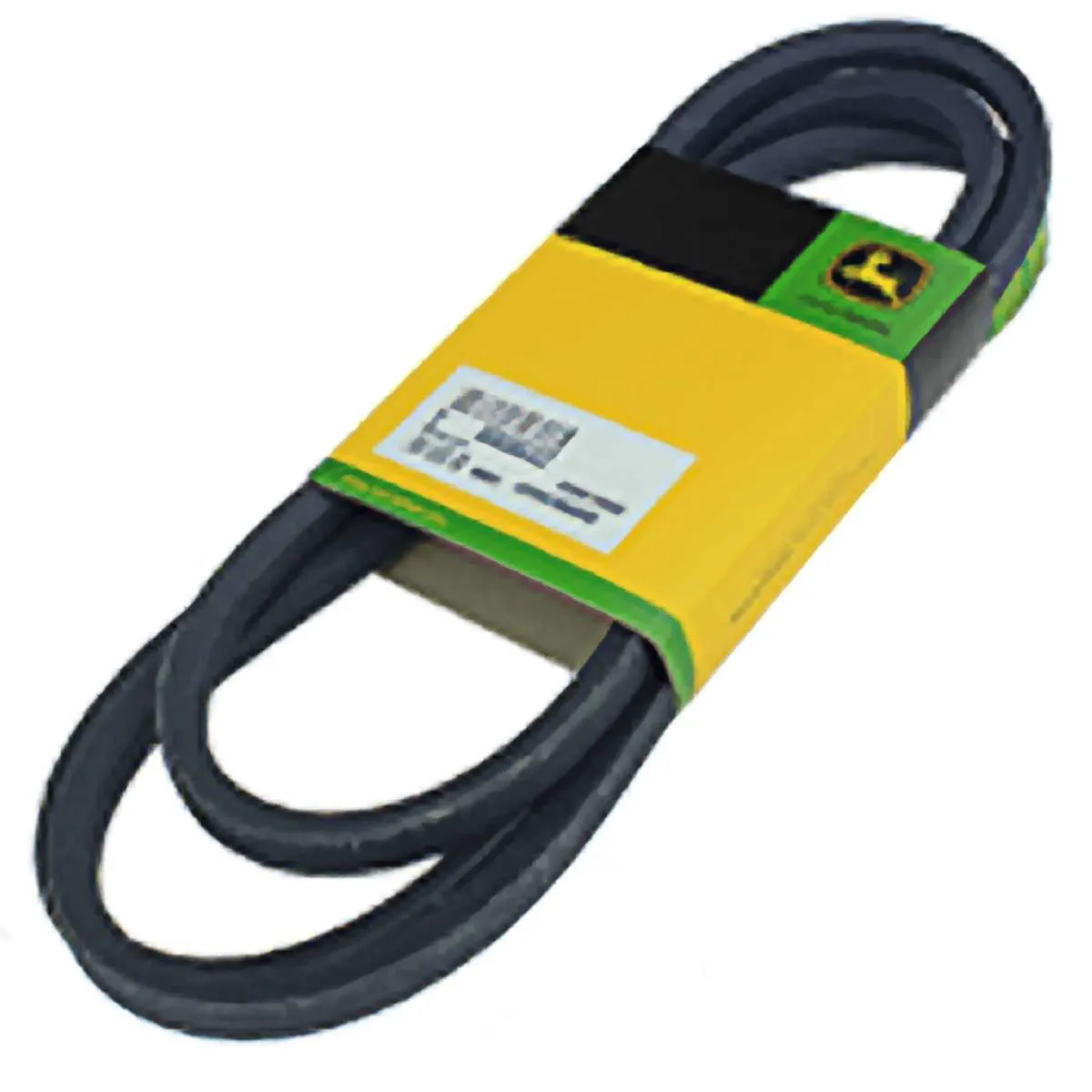
Access the mower from the right side and raise the seat to expose the engine compartment. The primary drive belt runs from the engine’s drive pulley directly to the transmission pulleys. You will see it positioned beneath the engine pulley guard, stretching forward under the frame.
Follow the belt path by tracing it from the crankshaft pulley at the rear toward the two hydrostatic transmission pulleys. Its placement is central, just above the mower deck belt system, and it remains under tension with the help of the spring-loaded idler arm.
For clear visibility, remove the protective shield by loosening the bolts on the cover plate. This gives you a full view of the belt routing, including the idler pulley and adjustment spring. Always check that the belt sits snugly in each pulley groove before lowering the shield back into place.
Step-by-Step Belt Routing Based on the Official Diagram
Place the mower on a flat surface, lower the deck fully, and disengage the PTO before touching the belt system.
- Release belt tension by moving the spring-loaded idler arm away from the pulley. Use a wrench for controlled movement.
- Position the belt around the engine drive pulley first. Align the V-side of the belt with the pulley grooves.
- Route the belt around the spindle pulleys on both sides of the mower deck. Keep the belt centered to prevent twisting.
- Loop the belt over the right-side idler pulley as indicated in the diagram. Confirm smooth contact without rubbing edges.
- Guide the belt around the left-side idler pulley. Ensure the flat side of the belt touches the flat pulley surface.
- Reconnect the belt to the tensioner pulley and slowly release the idler arm to apply tension.
Check that the belt sits correctly in every groove and that the tension is consistent. Rotate the pulleys by hand to confirm smooth tracking before engaging the mower.
Common Drive Belt Replacement Issues and How to Solve Them
Check belt tension first. A loose belt slips on pulleys, reducing blade speed. Tighten the idler arm spring or replace it if the spring has lost strength. Over-tightening shortens belt life, so aim for firm but not rigid tension.
Inspect pulley alignment. A misaligned pulley causes the belt to ride unevenly and fray at the edges. Use a straight edge across pulleys to verify alignment and adjust brackets or replace bent components if necessary.
Look for debris in the belt path. Grass buildup under covers pushes the belt off track. Clean the area regularly and ensure covers are secured properly after reassembly.
Replace worn pulleys immediately. A pulley with sharp edges or wobble shreds a new belt quickly. Spin each pulley by hand, check for resistance or noise, and install new ones if bearings feel rough.
Confirm the correct belt size. A belt that is too short overstresses the system, while a longer one slips constantly. Use the model-specific part number from the John Deere Z930M manual to avoid mismatch.
Examine the idler arm pivot. If it sticks or moves unevenly, the belt tension fluctuates under load. Lubricate the pivot point or replace the assembly to restore smooth operation.
Check installation routing. Incorrect routing around the tensioner or PTO pulley leads to premature wear. Follow the diagram printed under the mower deck or the service manual to confirm proper placement.