John Deere 42 Inch Belt Diagram and Maintenance Guide
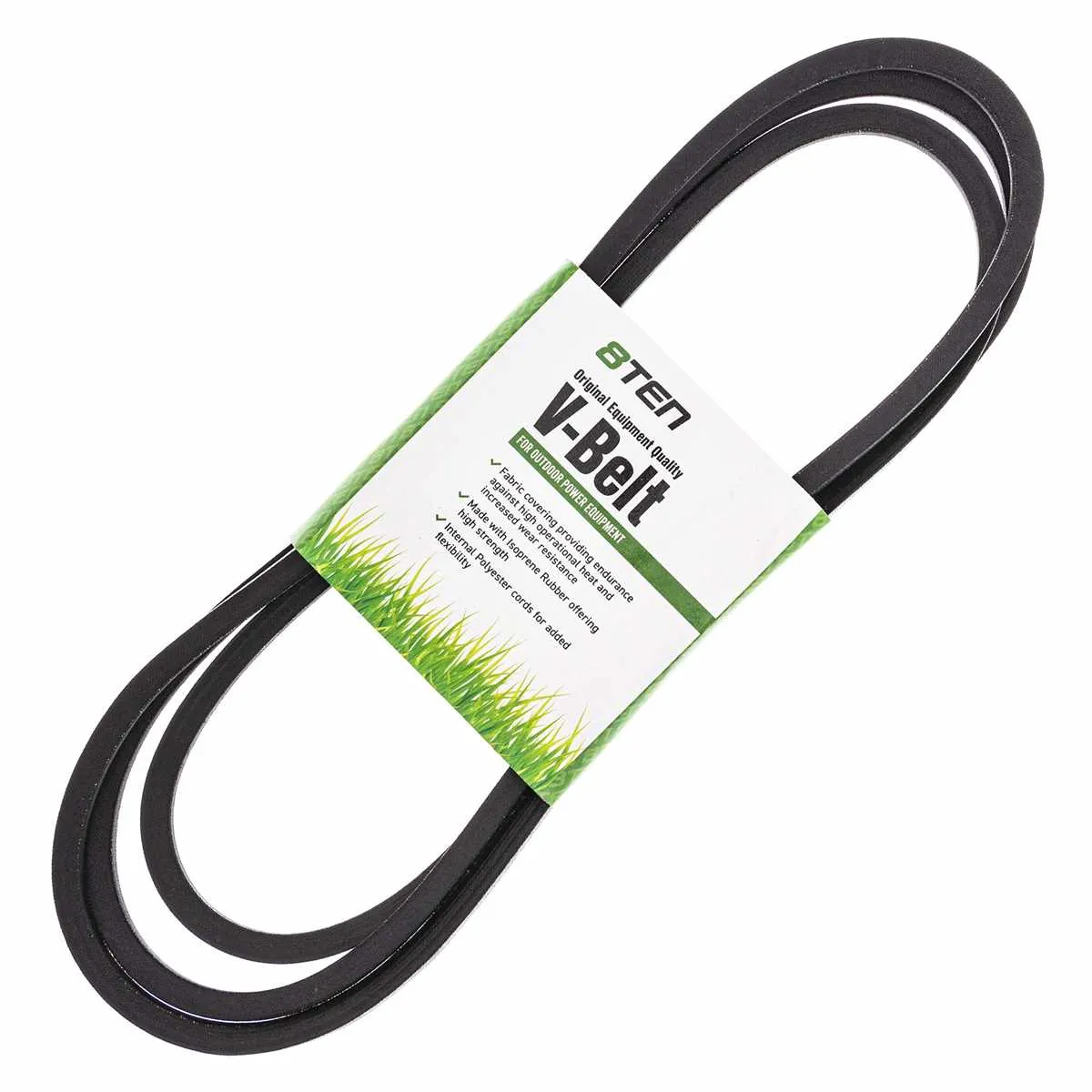
If you’re working on a John Deere 42-inch mower, understanding the belt diagram is crucial for proper maintenance and repairs. The belt is responsible for driving key components such as the blades, ensuring smooth operation. A proper replacement and routing of the belt can prevent unnecessary damage to other parts and ensure the longevity of your mower.
Start by identifying the correct belt size for your specific model. The John Deere 42-inch belt usually fits models such as the LA110, LA120, and LA130. Ensure the replacement belt matches the length and width specified in your mower’s manual. Incorrectly sized belts can slip off or wear down prematurely, leading to performance issues.
Next, follow the belt routing instructions carefully. The diagram will guide you on how the belt wraps around pulleys, idlers, and the engine. Pay close attention to the tensioner pulley, as it keeps the belt tight enough to prevent slippage. If the belt is routed incorrectly, it can cause friction, excessive wear, or even breakage.
John Deere Belt Diagram 42 Inch
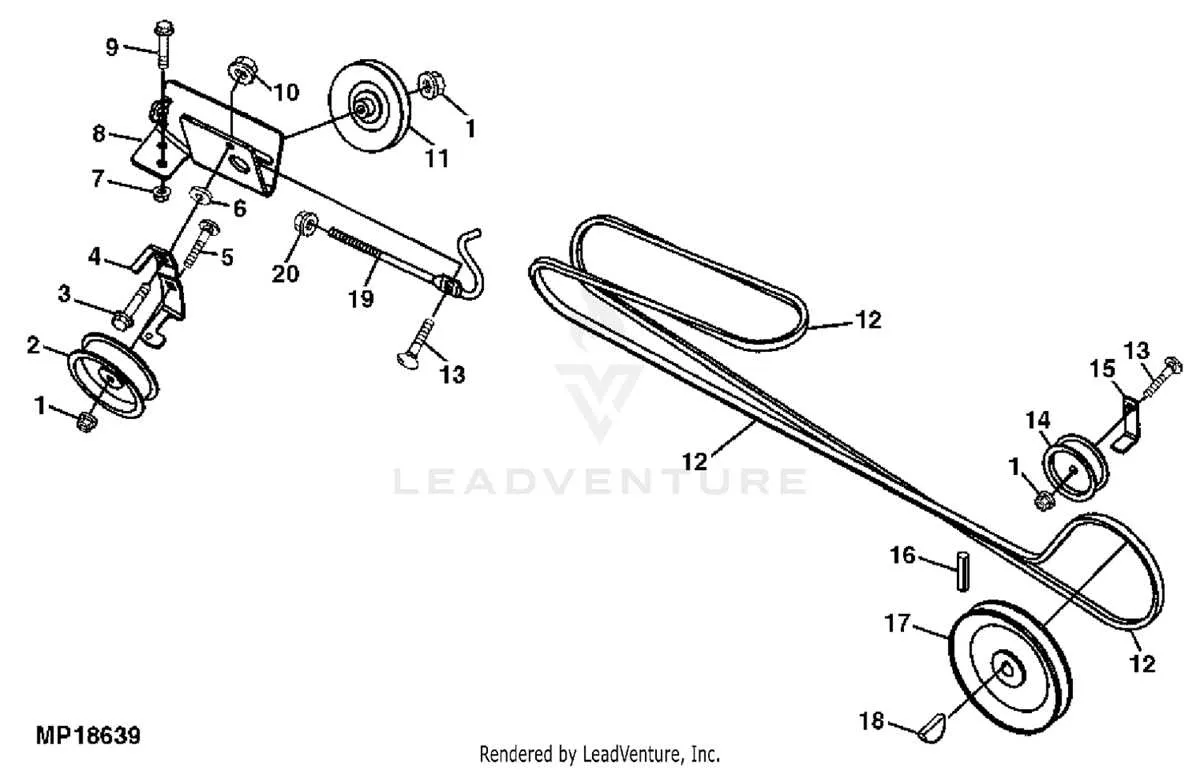
To replace or repair the belt on your John Deere 42-inch mower deck, refer to the specific belt diagram for the correct routing. Understanding this diagram ensures the belt is properly aligned, which prevents damage and ensures smooth operation.
Follow these key steps:
- Locate the belt routing diagram on the deck or in the mower’s manual.
- Ensure the mower is turned off and the key is removed before starting the repair.
- Remove the old belt carefully by loosening the tension on the spring or idler pulley.
- Refer to the diagram to route the new belt correctly around the pulleys.
- Verify the belt is correctly placed over each pulley and aligned with the guides.
- Check that the belt is tensioned properly before securing the components back in place.
Be sure to replace the belt if it shows any signs of wear, such as fraying or cracking. The correct belt size and routing are crucial for maintaining the mower’s performance and preventing unnecessary strain on the engine.
Regular inspection and maintenance of the belt can extend the life of your mower. Ensure that the belt is always aligned and adequately tensioned to avoid premature wear or damage.
How to Identify the Correct Belt for Your John Deere 42 Inch Mower
To identify the correct belt for your John Deere 42-inch mower, first check the model number of your mower. This can usually be found on the frame of the mower or in the user manual. The belt part number is typically located near the engine or under the deck. Once you have the model number, you can search for the corresponding belt by consulting the John Deere parts catalog or visiting an authorized dealer.
Measure the length and width of the existing belt if you’re replacing it. For the 42-inch mower, the belt should match the manufacturer’s specifications. Pay attention to the belt type–some models may require a specific style, such as a v-belt or serpentine belt. Also, ensure the belt’s material is compatible with your mower’s usage to prevent premature wear.
It’s advisable to confirm the belt’s configuration by comparing it to the diagram in the user manual or on the mower itself. This will ensure the belt is routed correctly, preventing malfunction or damage. If you’re still unsure, a visit to a local John Deere dealer with your mower’s model number will provide precise identification.
Step-by-Step Instructions for Installing the 42 Inch Belt on a John Deere Mower
1. Prepare the Mower
Ensure the mower is on a flat surface and the engine is turned off. Disconnect the battery to avoid accidental starts during the process. Lift the mower deck to gain access to the belt area.
2. Remove the Old Belt
Locate the tensioner pulley and release its tension. Carefully remove the old belt from all pulleys, making sure to note the routing of the belt for proper installation of the new one.
3. Install the New Belt
Begin by routing the new belt over the engine pulley and ensure it is positioned correctly on the tensioner pulley. Continue to route the belt around all other pulleys in the same order as the original belt.
4. Adjust the Tension
Once the belt is in place, adjust the tension by re-engaging the tensioner pulley. Make sure the belt is tight but not overly stretched. The belt should sit snugly on all pulleys without any slack.
5. Check Alignment
Ensure the belt is properly aligned on each pulley. Check that there is no rubbing or misalignment, as this can cause premature wear or damage to the new belt.
6. Test the Mower
Reconnect the battery and lower the mower deck. Start the mower and let it run for a few minutes to ensure the belt operates smoothly. Listen for any unusual noises or signs of improper tension.
7. Final Inspection
Perform a final inspection to make sure the belt is functioning as expected. Double-check the tension and alignment. If everything looks good, you’re ready to get back to mowing!
Common Issues with the 42 Inch Belt and How to Troubleshoot Them
Slipping Belt: A common problem is the belt slipping during operation, which reduces cutting performance. To fix this, inspect the tension of the belt. If the tension is too loose, adjust the tensioner to ensure the belt is adequately tightened. If the belt still slips, check for wear or damage to the belt surface, which could cause friction issues.
Excessive Wear: Over time, belts can show signs of excessive wear. If you notice fraying, cracking, or splitting, it’s time to replace the belt. Make sure the replacement belt matches the original specifications, as an incorrect belt can wear out prematurely or fail to function properly.
Misalignment: If the belt is misaligned, it can cause uneven cutting or the belt may come off the pulleys. Check the alignment of the pulleys and ensure they are properly secured. If the pulleys are misaligned, adjust them to line up with the belt path, ensuring that the belt runs smoothly without rubbing against other components.
Noisy Belt: A noisy belt often indicates that it is rubbing against other parts of the mower. Inspect the belt path for obstructions or debris that could cause friction. Clean the area thoroughly and check for damaged pulleys. If the pulleys are worn or damaged, replace them to prevent further issues.
Loss of Tension: If the mower is not cutting efficiently, the loss of belt tension may be the culprit. Check the tensioning system, particularly the spring mechanism, to ensure it is not worn or broken. Replace any damaged parts to restore proper tension and ensure smooth belt operation.