John Deere 100 Series Belt Diagram and Maintenance Guide
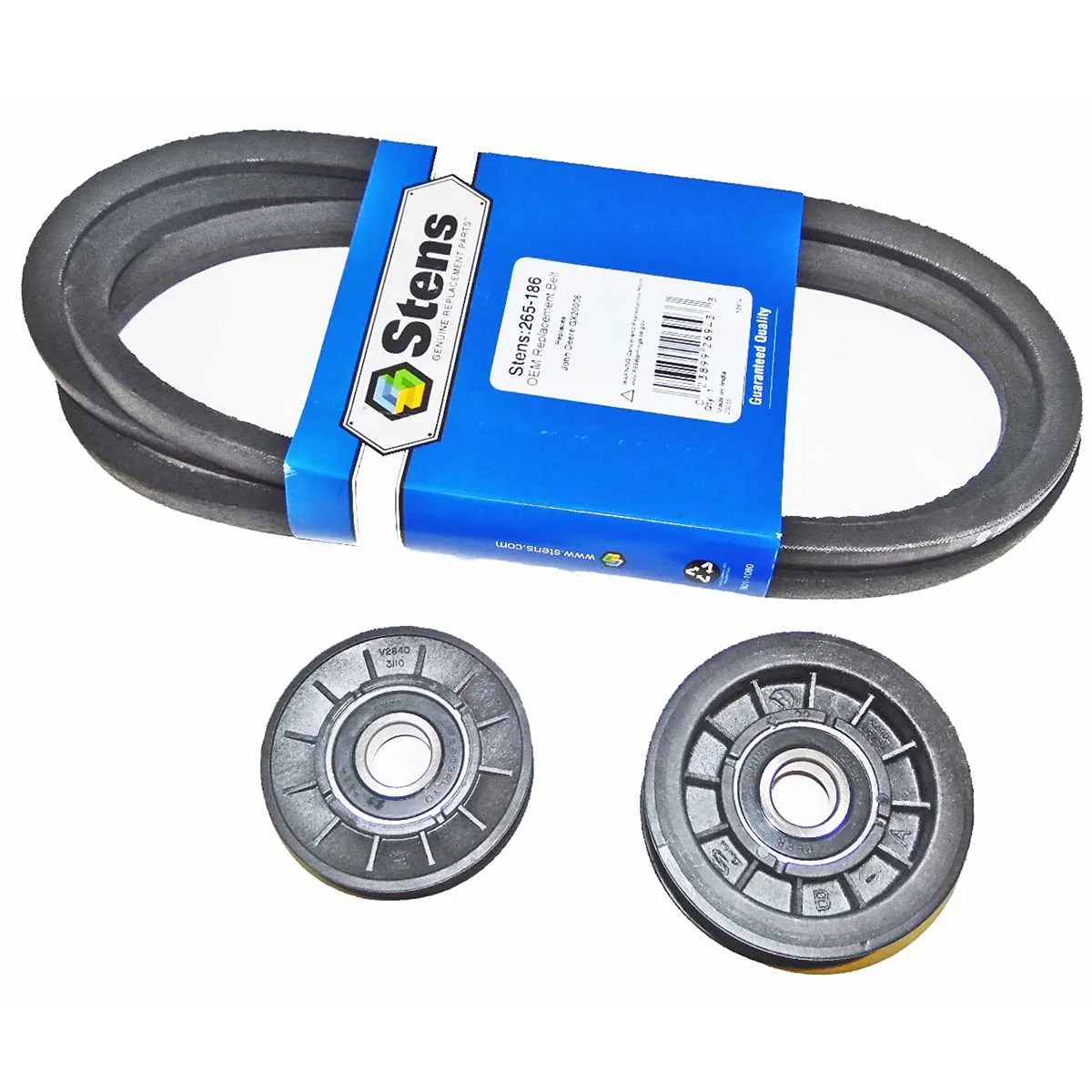
If you’re working with a John Deere 100 Series lawn tractor, understanding the belt system is key to smooth operation and efficient maintenance. A clear belt diagram is indispensable for correctly replacing or adjusting the belts. Refer to the diagram for accurate routing and alignment, ensuring you avoid costly errors during installation.
The 100 Series tractors come with several belt-driven components, including the engine, transmission, and mower deck. The primary belt system operates the cutting blades, while additional belts connect the engine to other parts. Be sure to replace worn or frayed belts immediately to prevent further damage to the mower’s drive system.
Check the diagram for the correct path and tension of each belt. Incorrect installation can lead to premature wear or malfunction. It’s also advisable to inspect the belts regularly for signs of cracking or stretching. Having a diagram handy will help you visualize the connections and make the replacement process more efficient.
John Deere Belt Diagram 100 Series
To replace or adjust the belts on your John Deere 100 Series mower, follow this diagram carefully. The belt routing diagram is designed to help you avoid mistakes during assembly or replacement. Ensure the engine is off and the ignition is disengaged before starting work.
The drive belt system on the 100 Series consists of a main drive belt that connects the engine pulley to the transmission pulley. A secondary belt controls the deck, powering the blades. For accurate belt placement, refer to the marked belt routing instructions on the mower deck or follow the detailed diagram in the owner’s manual. Pay attention to the direction of the pulleys and the path the belt should follow to ensure smooth operation and prevent premature wear.
If you need to replace the belt, first remove the deck by detaching the pins and bolts securing it in place. After removing the deck, slip off the old belt by loosening any tension and replacing it with a new one. Make sure the new belt matches the old one in length and width. After installation, check the tension using a belt tension gauge or by hand to ensure proper fitment.
For belt maintenance, regularly inspect for signs of wear, cracking, or fraying. If any damage is found, replace the belt immediately to avoid failure. Additionally, ensure pulleys are free from debris and rotate smoothly to prevent unnecessary strain on the belt system.
For optimal performance, lubricate pulleys and idlers according to your model’s specifications. Maintaining the proper tension and keeping the system clean will extend the life of your mower’s belts and improve overall performance.
Identifying Key Belt Components for John Deere 100 Series Mowers
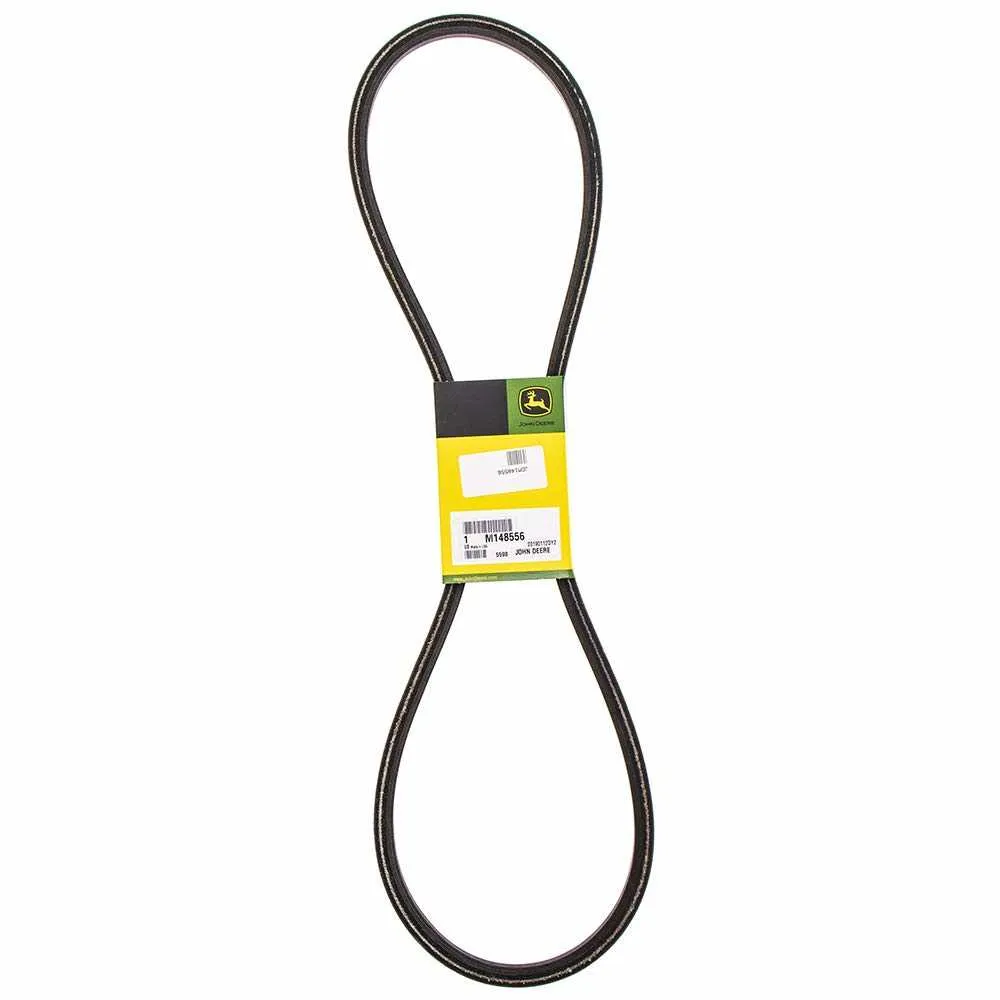
To ensure your John Deere 100 Series mower runs smoothly, understanding the key belt components is crucial. Begin by locating the drive belt and the deck belt, as these two parts are fundamental in the mower’s operation.
- Drive Belt: This belt transfers power from the engine to the transmission, enabling the mower to move. A worn or damaged drive belt will cause the mower to lose power or even stop moving. Check for any cracks, fraying, or excessive slack in the belt.
- Deck Belt: The deck belt connects the engine to the mower’s cutting blades. If the belt is loose or breaks, the blades won’t spin, making it impossible to cut grass effectively. Inspect the belt for wear and ensure it sits correctly on the pulleys.
Next, examine the pulleys and idler arms that guide the belts. These components play a vital role in keeping the belts aligned and tensioned. Misaligned pulleys can lead to the belt slipping off or wearing unevenly, which can cause premature failure. Check for any signs of rust, cracks, or looseness in the pulleys.
- Pulleys: Ensure that the pulleys rotate smoothly without any wobble. A faulty pulley can cause the belt to rub against other components, increasing wear and tear.
- Idler Arms: These arms hold the idler pulleys in place. If they’re not functioning correctly, the belt may not be properly tensioned. Inspect for any bent or broken arms.
Regular maintenance is key. Tighten loose bolts and replace worn-out belts or components immediately to prevent further damage. Keeping the belt system in optimal condition will enhance the mower’s performance and extend its lifespan.
Step-by-Step Guide to Replacing Belts on John Deere 100 Series

To replace the belts on your John Deere 100 Series, first make sure the engine is off and the ignition key is removed for safety. Begin by lifting the seat and disconnecting the battery cables. This will prevent any accidental power-ups during the process.
Next, remove the mower deck. Start by loosening the bolts securing the deck to the frame. After removing the bolts, slide the deck out from under the machine and place it on a flat surface.
Locate the belt guard. On the John Deere 100 Series, this is typically positioned over the drive belt. Use a wrench or socket to remove the bolts securing the guard in place. Set the guard aside for later reinstallation.
Once the guard is removed, you can now access the drive belt. Release any tension by loosening the spring-loaded idler pulley. Carefully slide the belt off the pulleys, starting from the engine side and working towards the mower deck.
Before installing the new belt, compare it to the old one to ensure the correct size and pattern. Place the new belt over the pulleys, ensuring it sits properly in each groove. Pay close attention to the routing diagram located near the engine or in the operator’s manual for accurate installation.
Reattach the spring-loaded idler pulley to its original tension. This step is crucial to ensure the belt stays tight during operation.
Once the new belt is in place, reinstall the belt guard. Tighten all bolts securely. Reattach the mower deck by aligning it with the frame and fastening the bolts back into position.
Finally, reconnect the battery, lower the seat, and test the mower. Run the engine for a few minutes to ensure the belt operates smoothly and quietly. If everything seems in order, the replacement is complete.
Troubleshooting Common Belt Issues on John Deere 100 Series Mowers
If the mower belt slips, first check the tension. A loose belt won’t grip the pulleys, leading to inefficient cutting. Tighten the spring or replace any worn springs to restore proper tension.
Inspect the belt for signs of wear. Cracks, fraying, or glazing indicate the need for a replacement. A damaged belt won’t function properly and will cause further damage to the mower.
Ensure the belt is routed correctly according to the John Deere 100 Series belt diagram. An incorrectly routed belt can cause premature wear or misalignment, impacting performance. Double-check that it follows the correct path over the pulleys and around obstacles.
Examine the pulleys for dirt and debris. Grass clippings or dirt buildup can hinder the belt’s movement and cause overheating. Clean the pulleys regularly to avoid unnecessary friction and damage.
If the mower doesn’t start or stalls when the belt engages, inspect the clutch system. A malfunctioning clutch can prevent the belt from connecting properly with the engine. Check the clutch mechanism for damage or wear and replace faulty components.
Look for pulley misalignment. If pulleys are not aligned properly, they can cause the belt to slip, wear unevenly, or even snap. Spin each pulley by hand to check for smooth operation. If a pulley is stuck or makes noise, it may need lubrication or replacement.