Belt Diagram for John Deere D170 54 Inch Deck Maintenance and Troubleshooting
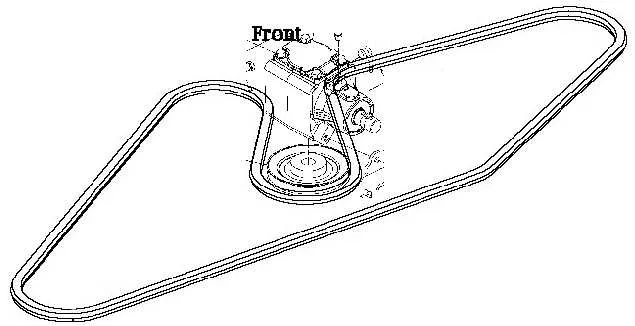
For smooth operation of your John Deere D170 with a 54-inch deck, understanding the belt diagram is a key step. This diagram shows the exact routing for the mower’s drive belt system, ensuring proper tension and functionality. If you’re experiencing issues with belt wear or slippage, refer to the diagram for the correct installation and troubleshooting steps.
The belt system powers the blades and other essential components. Ensuring the belt is correctly aligned will prevent unnecessary wear and reduce the risk of damage to the deck or engine. Carefully inspect each section of the belt path, from the engine pulley to the blade spindles, to make sure everything is routed as shown in the diagram. If any part of the belt is misaligned or loose, it can lead to inefficient performance or even failure of the system.
To replace the belt, first disengage the mower deck and remove any obstacles blocking access to the belt. Then, following the diagram closely, install the new belt while checking for proper tension. If you’re unsure, adjust the belt to make sure it’s snug but not overly tight. A properly routed and tensioned belt will extend the life of your mower and improve its cutting efficiency.
Belt Diagram for John Deere D170 54 Inch Deck
To install or replace the drive belt on the John Deere D170 with a 54-inch deck, refer to the following belt diagram. It outlines the precise path for routing the belt around the pulleys, ensuring proper tension and smooth operation.
First, ensure the mower is off, the engine is cool, and the battery is disconnected for safety. The main drive belt (part number GX20072) runs from the engine’s PTO (Power Take-Off) pulley to the deck’s primary pulleys. Start by threading the belt around the engine pulley, making sure it loops around the tensioner pulley next to the engine. From there, it continues over the idler pulley and the spindle pulleys, ensuring it wraps around each one in the correct sequence as shown in the diagram.
The belt should be securely placed on the top and bottom pulleys of the deck. Tension is critical to ensure that the mower deck spins at optimal speed. Too loose, and the deck won’t engage properly; too tight, and it could cause unnecessary wear. After securing the belt on all pulleys, check that the tension is correct by applying pressure to the belt–there should be minimal slack.
Once installed, manually rotate the blades to confirm that the belt moves smoothly through the pulleys. If it feels too tight or too loose, adjust the idler pulley accordingly. Reconnect the battery and test the mower at a low speed before returning to normal use.
For visual reference, always refer to the official John Deere manual or the belt diagram, which can also be found on the inside of the deck cover. This will help avoid installation mistakes and ensure the mower operates properly.
Understanding the Belt Routing for John Deere D170 54 Inch Deck
Proper belt routing ensures the optimal performance of your John Deere D170 mower deck. Follow this guide for a precise setup:
- The main drive belt must loop over the engine pulley and then pass through the idler pulley system. Make sure it runs smoothly across all guides to prevent any slippage or unnecessary wear.
- The deck belt runs from the engine pulley to the mower spindles. Ensure the belt is taut but not overly tight, as too much tension can cause premature wear.
- Align the tensioner pulley so that the belt is securely in place without excessive slack. The tensioner should apply even pressure along the belt, providing consistent power to the blades.
Regularly check for wear and tear on the pulleys and belt. A frayed or damaged belt can lead to poor performance, so replace it if needed. After installation, manually rotate the pulleys to verify the belt’s movement and adjust accordingly.
By keeping the belt properly routed and maintained, you can extend the life of your equipment and achieve a clean, even cut every time.
How to Replace the Belts on a John Deere D170 54 Inch Deck
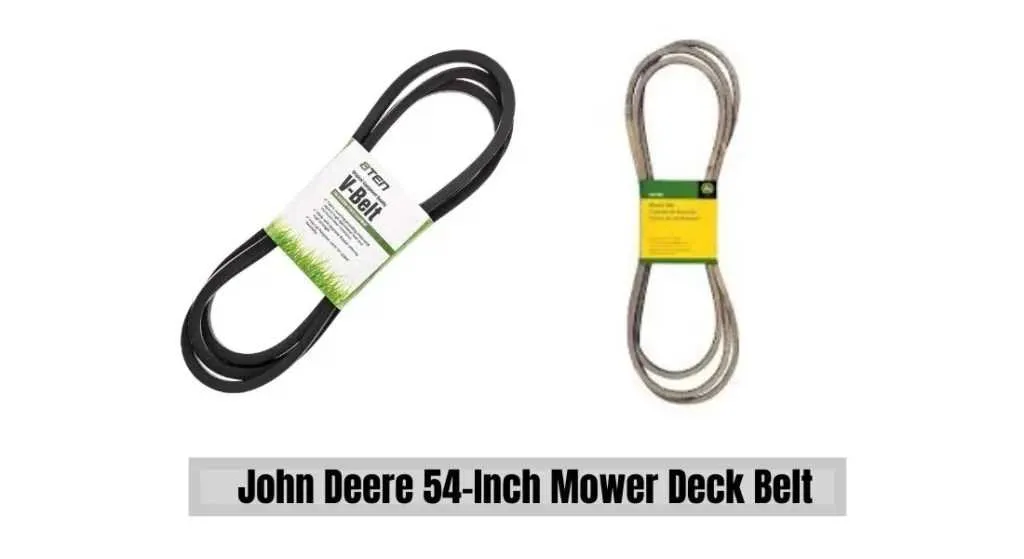
To replace the belts on the John Deere D170 54-inch deck, first, ensure the mower is off and completely cool. Wear gloves to protect your hands from sharp edges.
Start by lifting the mower deck using the lift lever. This will give you enough clearance to work on the belts. Using a socket wrench, remove the bolts securing the deck to the mower’s frame. Carefully slide the deck out from under the mower.
Next, locate the old belts. You will need to remove the deck pulley covers, which are usually secured with screws or bolts. After removing them, carefully inspect the routing of the belts to understand how they are connected.
Start by removing the drive belt first. You will need to release the tension by loosening the idler pulley. Use a wrench to rotate the idler pulley in the correct direction to relieve pressure on the belt. Once the tension is off, remove the belt from the pulleys.
For the blade belt, the procedure is similar. Release the tension from the idler pulley and remove the belt from the blades. Take note of the routing of both belts, as you will need to replicate it with the new ones.
Install the new belts by following the same routing as the old ones. Place the drive belt over the pulleys and ensure it is properly aligned. Do the same with the blade belt, making sure it is secured over the blade pulleys.
Once both belts are in place, apply tension to the idler pulleys to keep the belts tight. Reattach the deck pulley covers and secure them with screws or bolts. Slide the mower deck back into position and reattach it to the mower using the same bolts you removed earlier.
Lower the deck, start the mower, and check the function of the belts. Ensure that everything is running smoothly, and there are no unusual sounds or issues with the belt routing.
Troubleshooting Common Belt Issues on John Deere D170 54 Inch Deck
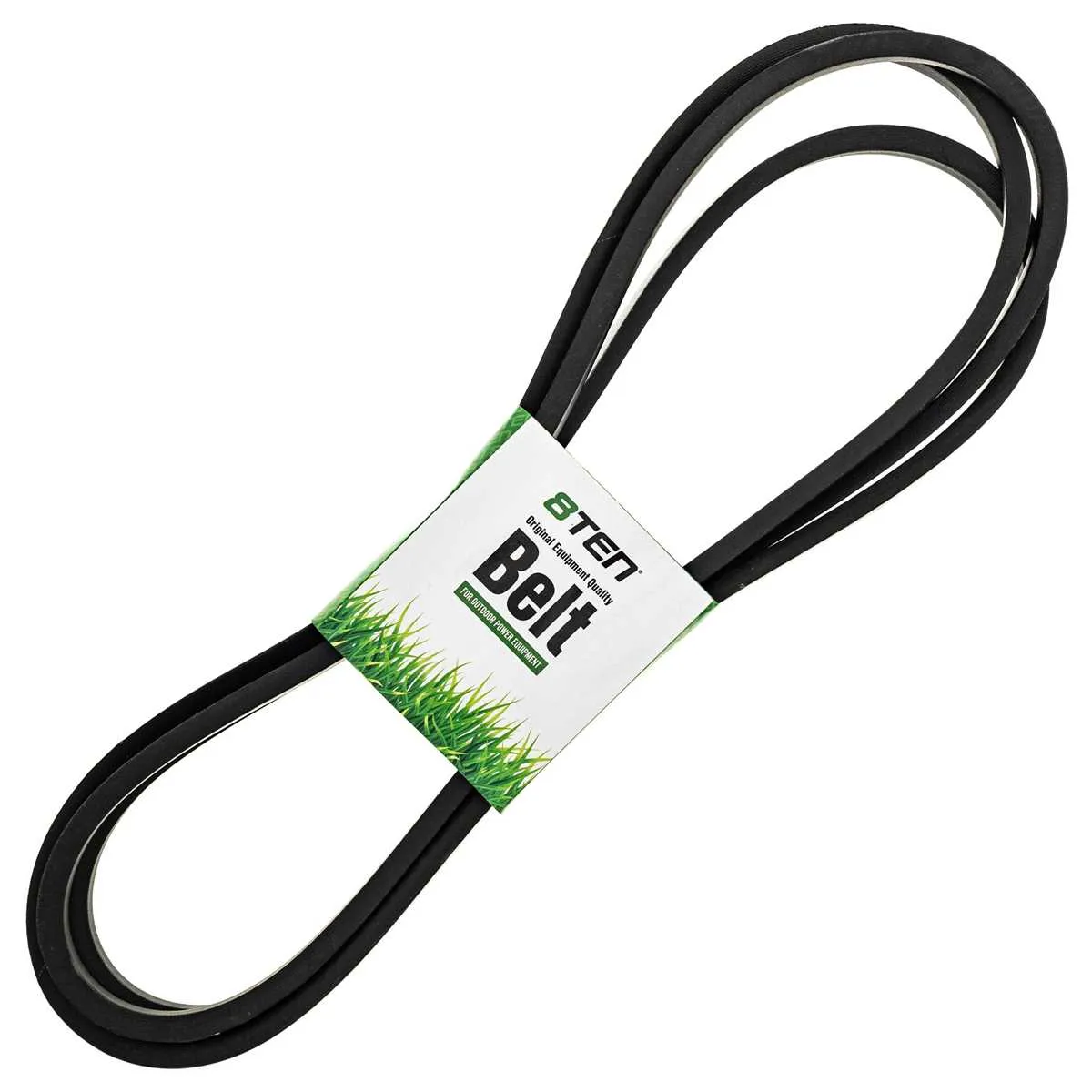
If the belt on your John Deere D170 54-inch deck is slipping, start by checking for any visible wear or damage. A worn belt can cause the mower to lose power or produce inconsistent cutting results. Replacing the belt is often the most effective solution in such cases.
Another issue to watch for is misalignment. Ensure that the pulleys are aligned properly. Misalignment can cause the belt to rub against surfaces, leading to premature wear. If you notice any misalignment, realign the pulleys and check for any damaged parts that might need replacing.
Over-tightened belts are a common issue too. Excessive tension can strain both the belt and the engine, causing inefficiency or even failure. Use the manufacturer’s specifications for proper tension, ensuring the belt is neither too tight nor too loose.
Inspect the belt routing as well. Incorrect routing can lead to improper movement and stress on the belt. Always follow the belt diagram provided in the user manual for correct routing. If the routing appears fine but the belt still isn’t working properly, check for blockages or debris in the system that might impede its movement.
Finally, keep an eye on the pulleys and idlers. Damaged or worn pulleys can prevent smooth belt movement, causing wear and noise. Replace any worn-out pulleys and ensure they rotate freely. Regular maintenance of both the belt and pulleys will extend the lifespan of your John Deere D170 deck.