John Deere L120 Belt Diagram and Maintenance Guide
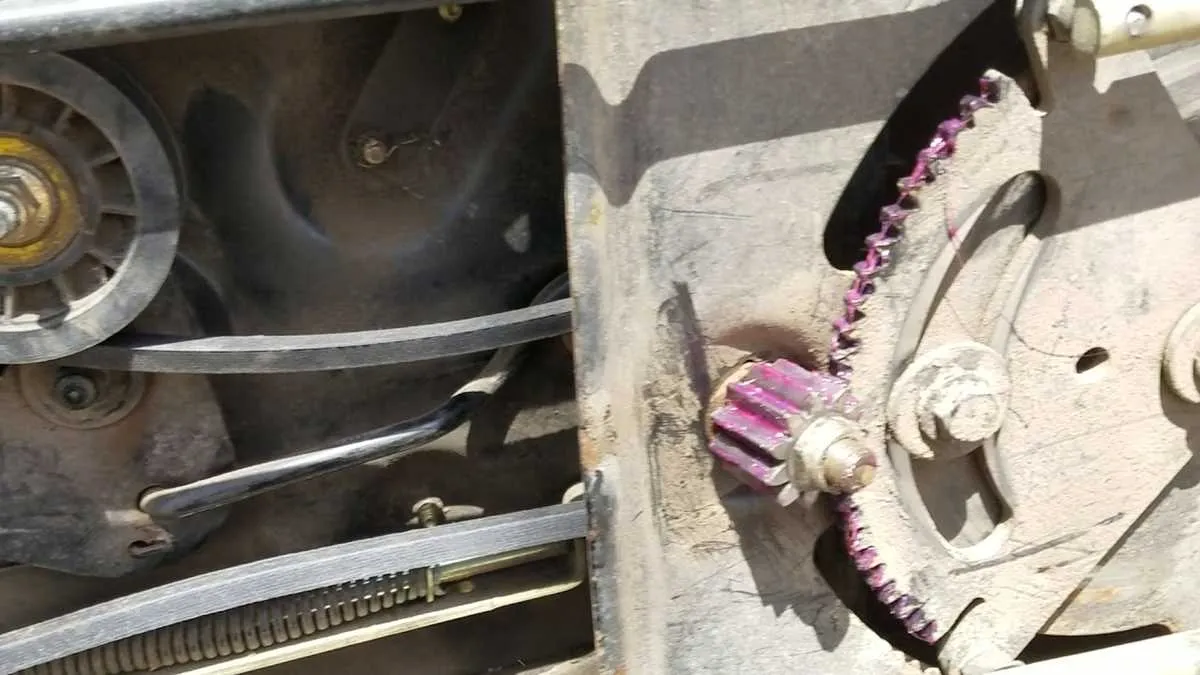
If you’re facing issues with your John Deere L120 mower’s belt, checking the belt diagram can save time and prevent unnecessary mistakes during replacement. This diagram clearly illustrates the correct routing for each belt on the machine, helping you avoid confusion when reassembling after repairs.
Start by ensuring you have the right replacement belt, as incorrect parts can lead to further damage. The diagram provides step-by-step details on how to correctly route the drive, mower, and deck belts. Follow each step closely to ensure proper tension and alignment, which are key to the mower’s performance and longevity.
If you’re unsure about the belt’s condition, refer to the diagram to identify signs of wear and tear. A quick inspection against the diagram helps you spot issues like fraying or cracks that could cause future breakdowns. Having a clear guide will make the process smoother and faster, giving you confidence in your repairs.
John Deere L120 Belt Diagram
To properly maintain your John Deere L120 lawn tractor, it’s crucial to understand the belt system. Here’s a quick guide to the belt layout for efficient repairs and replacements.
- Drive Belt: The main drive belt connects the engine to the transmission. It runs from the engine pulley to the transmission pulley. This belt transfers power from the engine to move the mower.
- Deck Belt: The deck belt powers the blades. It runs from the engine pulley, passing over the deck pulleys and idler pulley, and finally drives the blades for cutting. It’s important to replace this belt if it shows signs of wear.
- Idler Pulley: This pulley keeps the tension on the drive and deck belts. If the belt starts slipping, the idler pulley might need adjustment or replacement.
- Routing the Belts: When replacing belts, ensure they follow the exact routing as shown in the diagram. Misrouting the belts can cause them to slip off or wear out prematurely.
Refer to the owner’s manual for the exact belt part numbers and replacement procedures. Regular belt checks can extend the life of your L120 and prevent costly repairs.
Understanding the Routing of the John Deere L120 Belt System
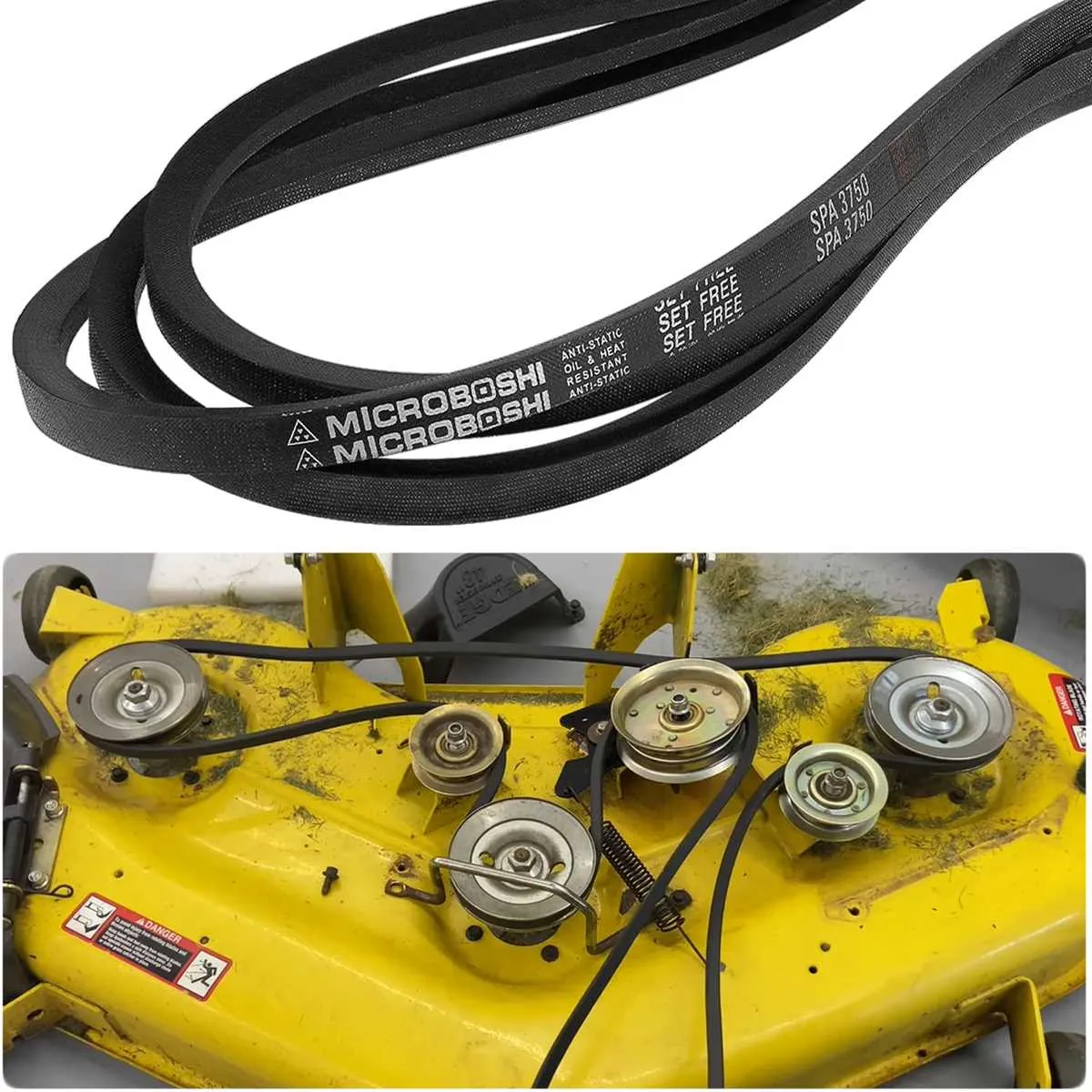
To correctly route the belt on your John Deere L120, begin by ensuring the deck is lifted and the engine is off. The belt travels through several key pulleys, which determine its performance. Start by guiding the belt over the engine pulley at the front. Then, loop it around the tensioner pulley, ensuring it has adequate tension. The belt should pass under the idler pulley before wrapping around the blade pulleys. Make sure it fits snugly in the grooves of each pulley. Check the routing against a diagram to verify that each loop is in the correct place.
When reinstalling or adjusting the belt, always double-check the path to prevent any slippage or misalignment, which can lead to reduced efficiency or damage. If the belt appears worn or stretched, it may be time for a replacement. Proper tension is key to ensuring the belt performs optimally during operation.
Common Issues and Fixes for the John Deere L120 Belt
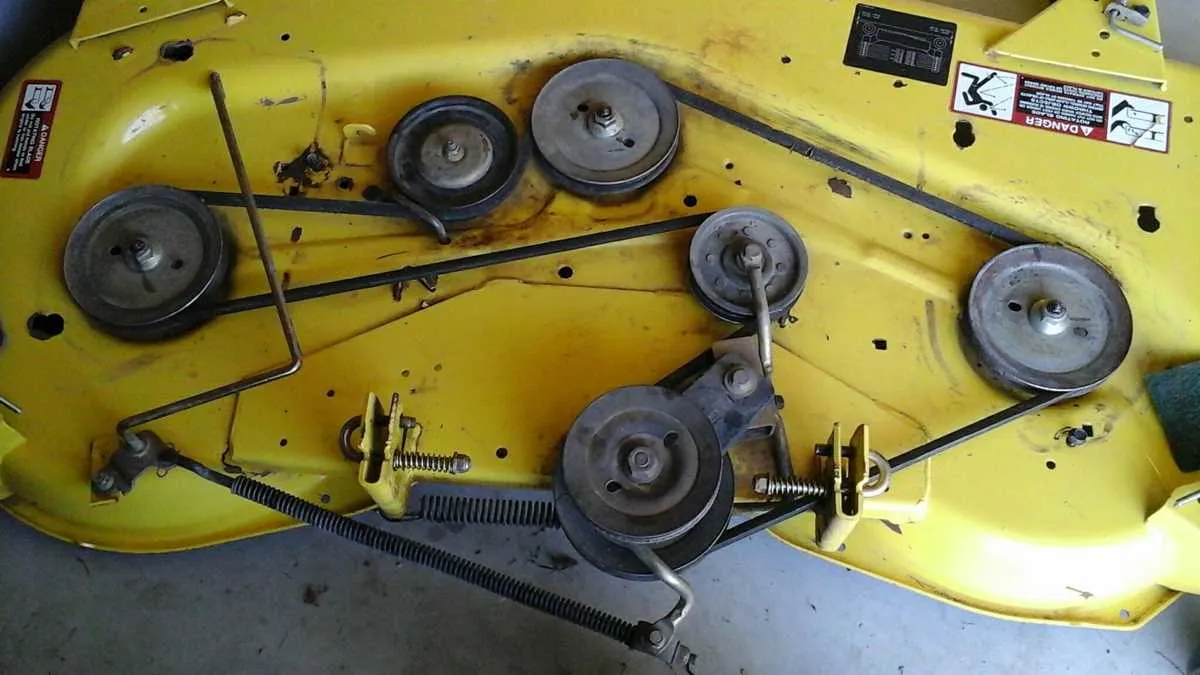
If the belt on your John Deere L120 mower slips or breaks, check for wear and alignment. First, inspect the belt for visible cracks, fraying, or stretching. If the belt is damaged, replace it immediately with the correct model. Keep in mind, using the wrong belt size can lead to further issues.
If the belt keeps slipping off, it might be due to improper tension. Adjust the tensioner pulley by loosening the bolt slightly and tightening it again after adjusting the tension. Make sure the pulley moves freely, as dirt or debris buildup can cause resistance, leading to slippage.
In case the mower doesn’t engage properly, examine the idler pulley and spring for wear. The spring may have lost its tension, causing insufficient pressure on the belt. Replacing the spring is often the best solution.
Another common problem is the belt not staying aligned. Ensure that all pulleys are positioned correctly and are not worn. If any pulleys are misaligned, the belt will continue to slip or wear unevenly. Adjust or replace misaligned pulleys as needed.
Finally, excessive vibration during operation could indicate a misaligned or damaged belt. Double-check all components, including the spindle and pulleys. Tighten or replace any loose parts to eliminate unnecessary vibration and restore smooth operation.
Step-by-Step Guide to Replacing the John Deere L120 Belt
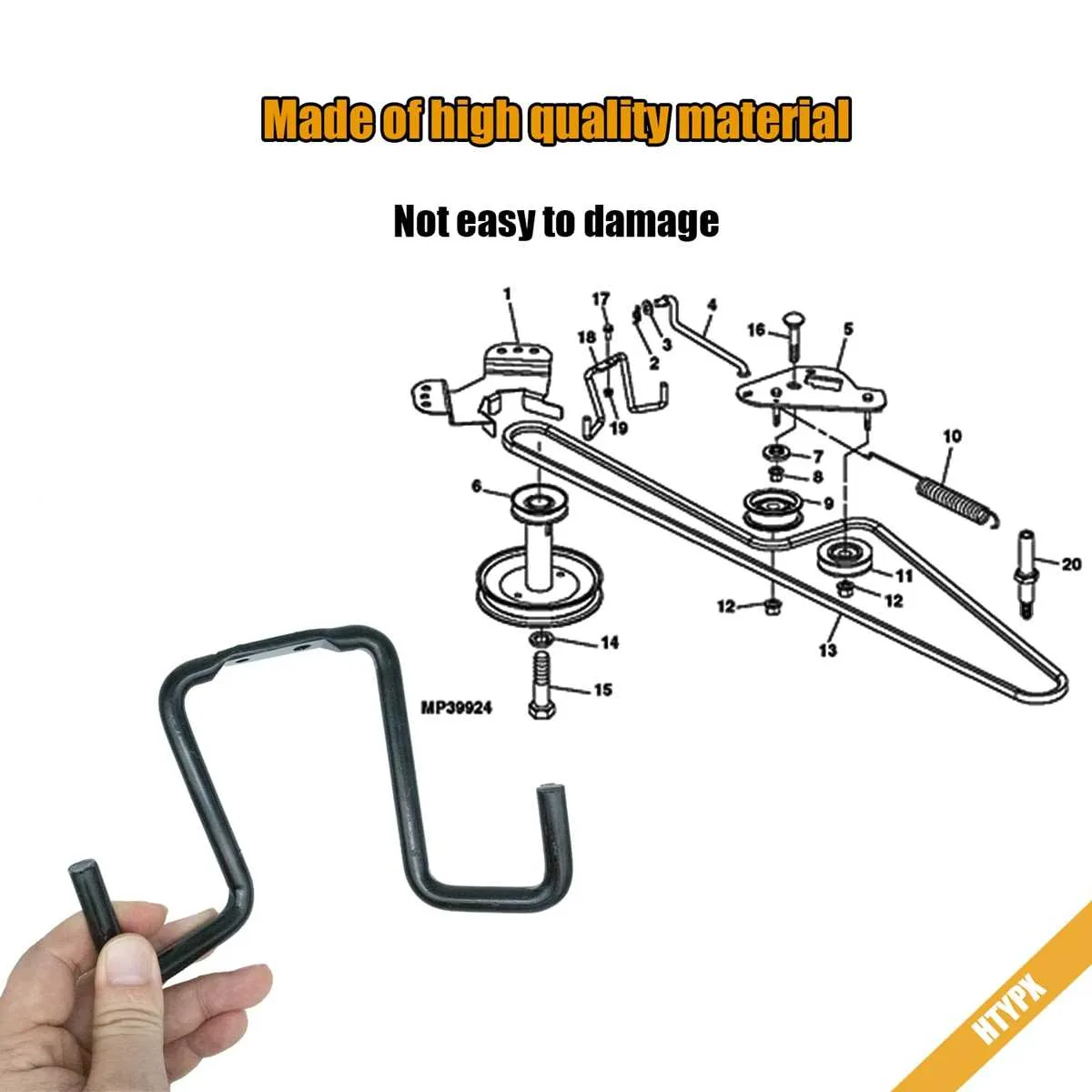
First, ensure the mower is turned off and the engine is completely cool. Disconnect the battery to prevent any accidental starts during the replacement process.
Locate the mower deck underneath the John Deere L120. You will need to remove the deck to access the belt. Start by loosening the bolts on both sides of the deck and carefully slide it out from under the machine.
Once the deck is removed, identify the belt. You’ll find it running through pulleys and guides. Take note of how it’s positioned, as this will be important when installing the new one.
Next, release the tension on the old belt. This is done by loosening the spring-loaded tensioner pulley. Carefully remove the old belt from all pulleys and guides, keeping the tensioner pulley loose so that it doesn’t spring back into position.
Now, install the new belt. Start by positioning it around the pulleys, following the exact path as the old one. Make sure the belt fits snugly in the grooves of the pulleys and isn’t twisted.
Once the belt is correctly in place, pull the tensioner pulley back into position to apply the necessary tension to the belt. Ensure that the belt is properly aligned with all pulleys, and double-check the tension before securing the deck.
Reinstall the mower deck by sliding it back under the machine and tightening the bolts on both sides. Make sure the deck is securely attached.
Finally, reconnect the battery and start the mower to test the new belt. Ensure that the belt operates smoothly and that the mower deck is functioning properly. If everything is working as expected, you’ve successfully replaced the belt.