Exmark Quest 50 Deck Belt Layout and Routing Guide for Maintenance
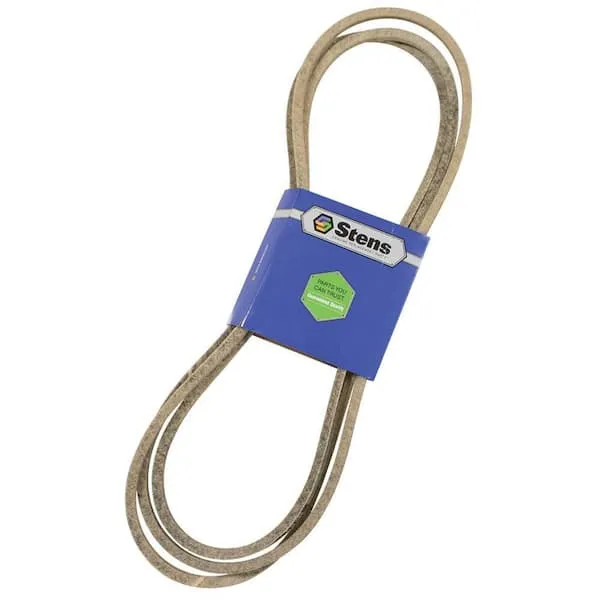
Check the belt routing before starting any deck maintenance on the Exmark Quest 50. Misaligned belts can reduce cutting performance and increase wear on pulleys and spindles. Use the diagram to verify the position of each belt segment and ensure proper tension across all pulleys.
Inspect pulleys for signs of wear or debris before reinstalling the belt. Replace any damaged pulleys or idlers to prevent slippage and uneven blade rotation. Follow the diagram to confirm that each pulley aligns with the correct belt groove, minimizing strain on the system.
Maintain consistent tension on the deck belt to avoid premature stretching or fraying. The diagram indicates which pulleys act as tensioners and which are fixed, allowing precise adjustments. Regularly reference the diagram during belt installation or replacement to keep the cutting deck operating smoothly and safely.
Exmark Quest 50 Deck Belt Diagram Detailed Maintenance and Troubleshooting Guide
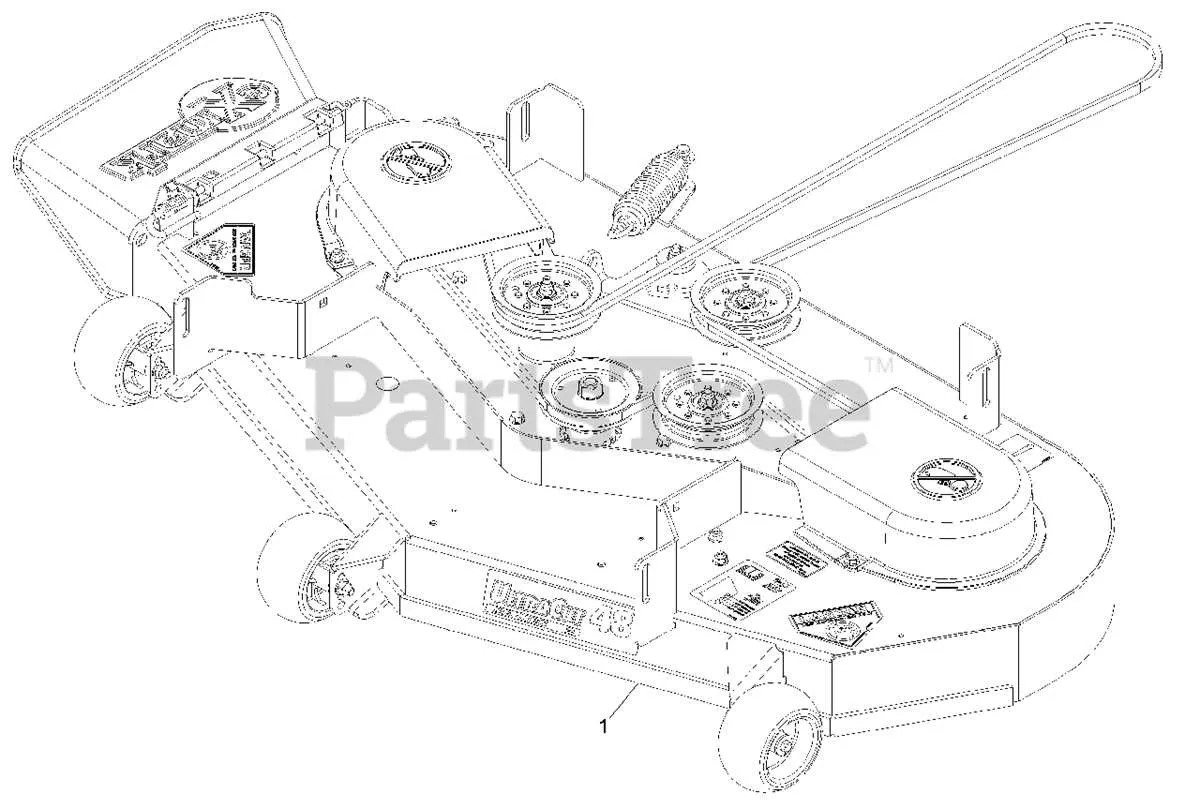
Check the belt for visible wear, cracks, or fraying before each mowing session. Replace the belt immediately if any damage is detected to prevent sudden failure during operation.
Follow the belt routing shown in the diagram precisely. Ensure the belt sits correctly on all pulleys, avoiding twists or misalignment that can cause slipping or uneven deck rotation.
- Inspect the deck idler pulleys for smooth rotation and no wobble. Lubricate the bearings with a light machine oil every 25 hours of operation.
- Examine the spindle assemblies for debris buildup and proper tension on the belt. Clean off grass clippings and dirt using a brush or compressed air.
- Check the belt tensioner spring. Replace any weak or broken springs to maintain correct tension and prevent belt slipping.
During installation, route the belt around the drive and deck pulleys exactly as indicated. Ensure the tensioner arm is in the correct position and the belt engages fully with all pulley grooves.
- Remove the deck from the mower if necessary for better access to the belt path.
- Slide the belt over the motor pulley, deck pulleys, and idler pulleys following the diagram.
- Rotate the pulleys by hand to verify smooth movement and correct alignment before reattaching the deck.
Common issues include belt squealing, slipping, or uneven cutting. Squealing often indicates a misaligned pulley or worn belt. Slipping occurs if the tensioner spring is weak or the belt is stretched. Replace any damaged components and retest the belt operation.
Regularly clean the deck underside and remove debris from pulleys. Keep the belt dry and free from oil or grease, as contamination reduces grip and shortens belt life.
Document maintenance intervals and belt replacements to track wear patterns. This helps predict when the next service or belt change will be needed, avoiding unexpected downtime.
Locating and Identifying Deck Belt Components on Exmark Quest 50
Place the mower on a flat surface with the parking brake engaged. Lower the deck fully and clear any grass or debris around the pulleys and belt path.
Trace the deck belt from the engine pulley to each mandrel pulley. The engine pulley attaches directly to the crankshaft and transfers rotation to the belt. Idler pulleys maintain tension and guide the belt; they are smaller and mounted on spring-loaded brackets with visible adjustment bolts.
Mandrel pulleys connect to the blade spindles. Rotate the blades slightly to confirm which pulleys move in sync. Inspect each pulley for smooth rotation and minimal wobble to ensure proper alignment.
Locate the PTO or deck engagement pulley if present. Engage the lever and observe the pulley motion; it should turn without resistance. Verify the belt follows the correct routing around all pulleys, avoiding crossovers or slack.
Use the deck belt diagram from the mower or service manual to check routing. Label each pulley with tape if removing the belt to maintain correct positioning. Identify spring-loaded tensioners and crossover points carefully for accurate reassembly.
Step-by-Step Belt Removal and Installation Procedures
Begin by disengaging the mower deck and removing the ignition key for safety. Raise the deck to its highest position and secure it with the lift lock to prevent movement during the process.
Locate the idler pulleys and note the routing of the deck belt around the spindles and engine pulley. Mark the belt path with chalk or take a photo to ensure correct reinstallation.
Release belt tension by pulling the idler arm away from the belt using a wrench or socket on the tensioner bolt. Slide the belt off the engine pulley first, then carefully remove it from each spindle pulley and idler.
Inspect all pulleys and spindle shafts for wear, debris, or damage. Clean the surfaces and apply light lubrication to bearings if required before installing the new belt.
Position the new belt around the spindles following the marked routing. Loop the belt over the engine pulley last, ensuring it sits correctly in all pulley grooves.
Reapply tension by allowing the idler arm to engage the belt. Rotate the pulleys manually to verify smooth movement and proper alignment. Adjust tension if the belt slips or rides off the pulleys.
Lower the deck, remove the lift lock, and start the engine at low throttle to confirm the belt runs smoothly. Observe all belt contact points for correct positioning and make minor adjustments if necessary.
Troubleshooting Common Deck Belt Misalignment and Wear Issues
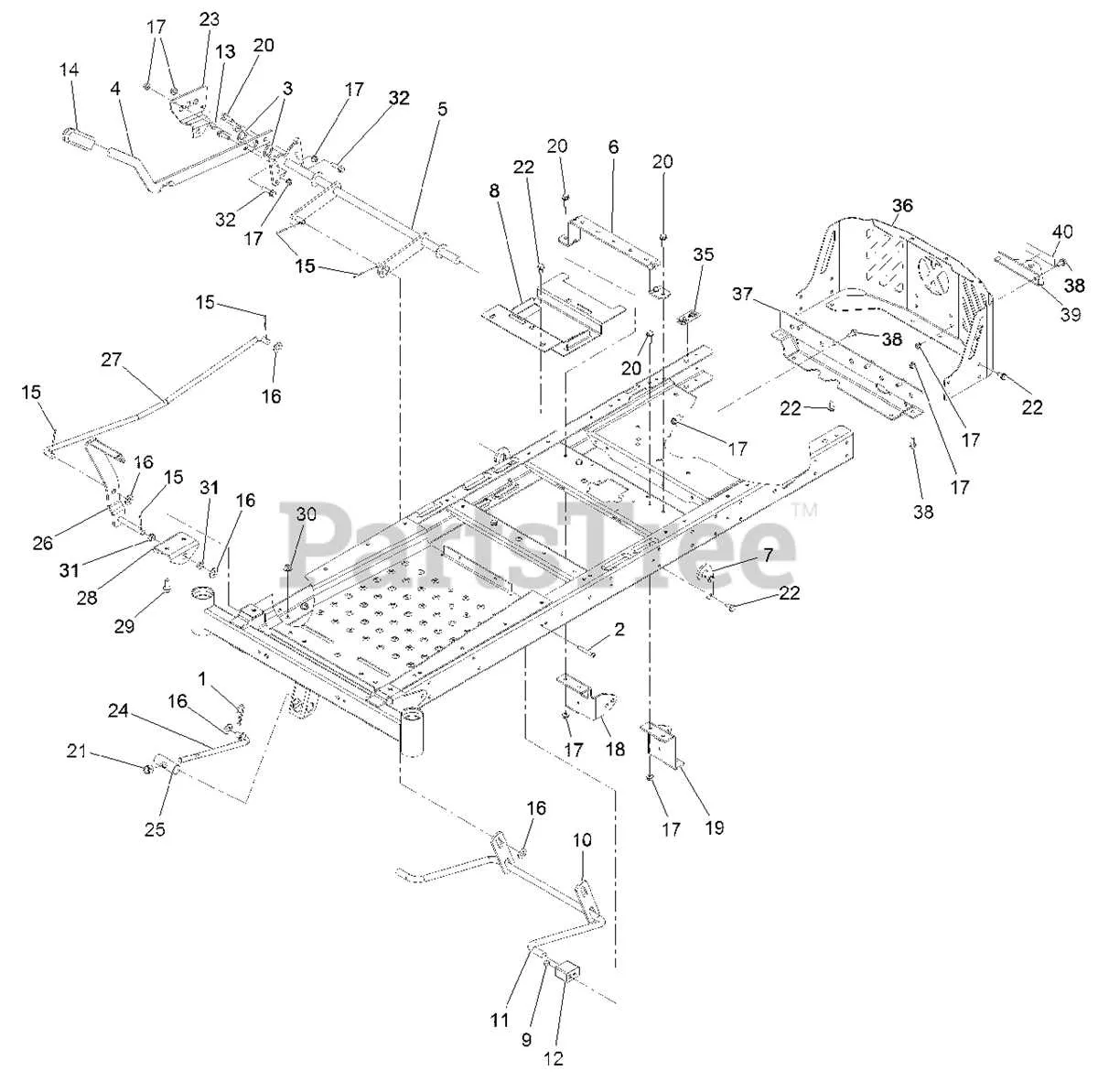
Check belt alignment immediately if you notice uneven cutting patterns or excessive vibration. Inspect the pulleys for proper seating and ensure the idler pulleys spin freely without wobble. Misaligned pulleys often cause belts to wear on one edge or fray over time.
Measure belt tension using a gauge or by applying firm pressure at the midpoint between pulleys. A belt that is too loose can slip, while an overly tight belt accelerates wear on bearings and edges. Adjust the tension according to the manufacturer’s specification for the Exmark Quest 50.
Examine the belt surface for cracks, glazing, or missing chunks. Surface damage indicates that the belt has been rubbing against a pulley flange or debris caught in the deck. Replace any belt showing significant wear to prevent sudden failure during operation.
Inspect the deck spindles and shafts for straightness. Bent or worn spindles cause the belt to track improperly, leading to edge fraying and uneven tension. Replace or service spindles that show excessive wear or play.
Remove debris such as grass buildup, twigs, or dirt from pulleys and deck surfaces. Even small obstructions can shift the belt path, increasing friction and wear. Regular cleaning reduces the likelihood of misalignment and prolongs belt life.
Rotate the belt during installation to ensure teeth engage properly with the pulley grooves. Confirm that all idler springs apply consistent pressure across the belt path. Uneven spring tension contributes to tracking problems and premature deterioration.
After adjustments, run the deck at low throttle and visually check belt tracking. Make minor alignment tweaks while the belt is in motion to achieve smooth operation. Proper alignment minimizes edge wear and ensures consistent cutting performance.