X300 John Deere Belt Diagram and Troubleshooting Guide
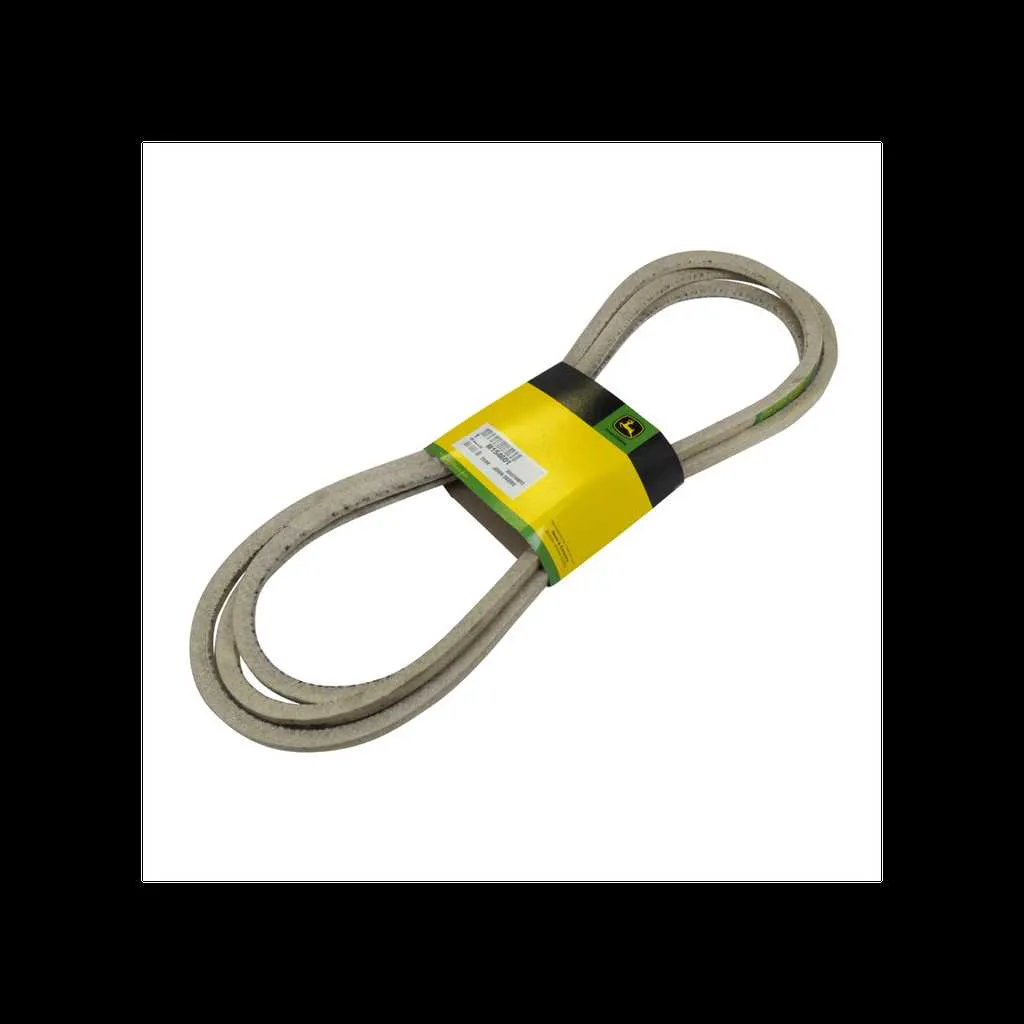
To replace or maintain the belts on your John Deere X300, start by reviewing the belt diagram carefully. This will give you a clear understanding of the routing and the specific components involved. Knowing the correct path and tension is key to proper installation and optimal performance.
Examine the belt routing sequence first. Ensure that each belt aligns properly with the pulleys and spindles. Incorrect routing can cause premature wear or even system failure. Take time to verify each step before proceeding.
Check for any signs of wear or damage. If the belts show cracks, fraying, or significant stretching, replace them immediately. A damaged belt can impact the mower’s efficiency and potentially cause more damage to other parts.
Always use OEM (Original Equipment Manufacturer) parts. This ensures compatibility with the X300 model and maintains the integrity of your equipment. Using non-OEM belts may lead to misalignment and increased wear on pulleys and bearings.
X300 John Deere Belt Diagram
The X300 John Deere belt system consists of multiple components that work together to drive various parts of the mower. Understanding the correct routing of each belt is key to ensuring smooth operation. The primary belt connects the engine pulley to the transaxle, while the secondary belt operates the mower deck. If any belt appears worn or damaged, replacing it promptly will prevent further damage to other parts.
Start by locating the drive belt, which is usually attached to the engine and runs to the transaxle. Ensure it is properly tensioned and free of cracks or fraying. Next, check the mower deck belt, which powers the blades. This belt must be routed through the correct pulleys to ensure the blades operate at optimal speed. Incorrect routing can lead to inefficient blade movement or even damage to the deck itself.
Refer to the X300 belt diagram, which outlines the exact routing for both the engine and mower deck belts. Follow the diagram carefully when replacing any worn belts. Pay close attention to the direction of the belt grooves and ensure that each pulley is aligned correctly. Proper installation will extend the life of your mower and maintain its cutting efficiency.
When reinstalling the belts, make sure they are properly tensioned according to the specifications provided by the manufacturer. An overly tight or loose belt can cause excessive wear on the pulleys and reduce the overall lifespan of the system.
Understanding the Belt Routing in X300 John Deere
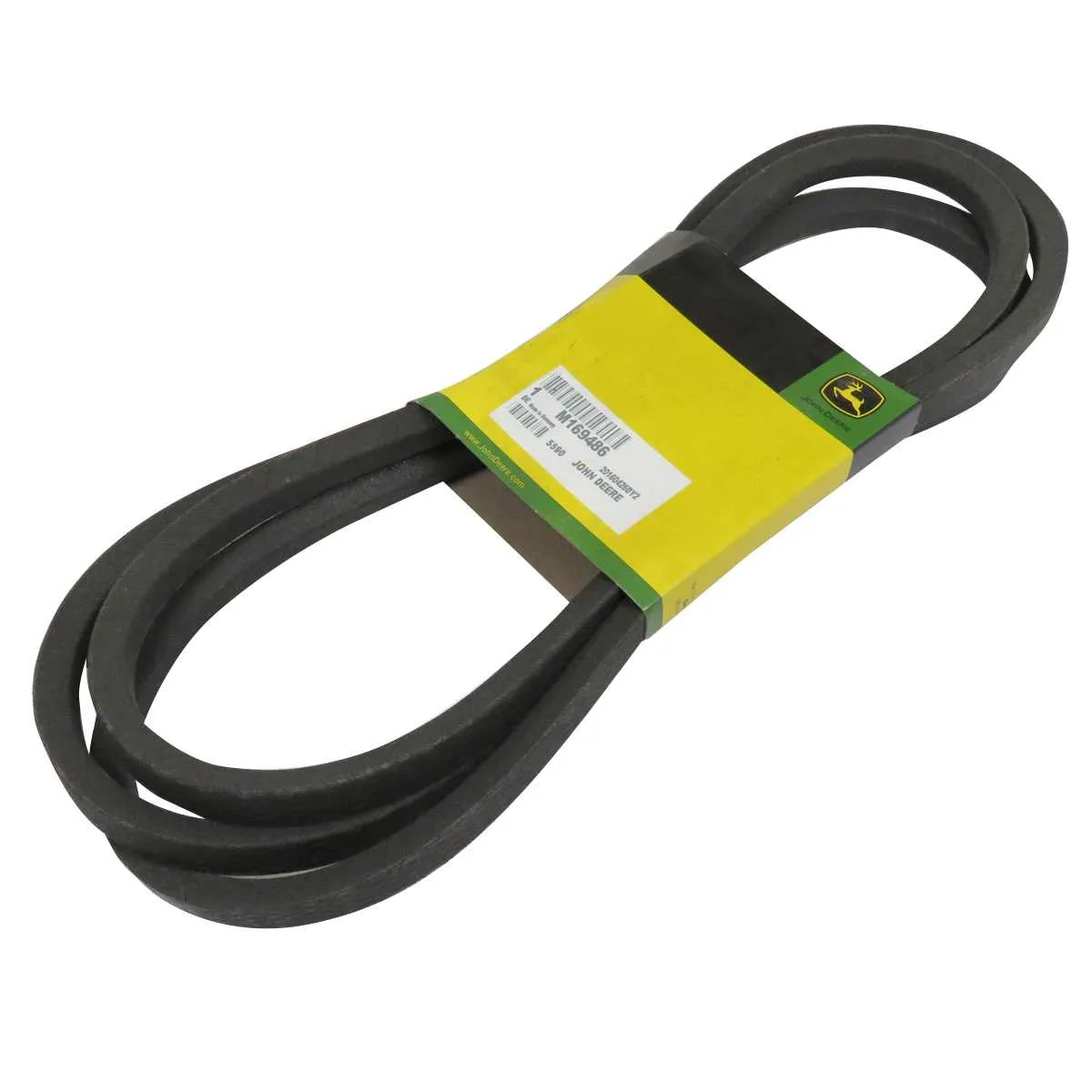
The X300 John Deere uses a specific belt routing system that needs to be followed for proper operation and maintenance. To ensure smooth performance, verify the routing pattern regularly.
Start by inspecting the routing diagram on the frame, located near the engine compartment. The belts should be arranged in a precise path to ensure the proper function of the engine, transmission, and accessories.
- The main drive belt should loop around the engine pulley and the transmission pulley.
- The mower deck belt must pass over the tensioner pulley and around the spindle pulleys, ensuring proper blade operation.
- The secondary belts for the PTO (Power Take-Off) system must align with the drive pulleys to transmit power to the mower deck.
Before reinstalling or replacing belts, always check for wear and proper tension. Incorrect belt tension can cause premature failure and operational issues.
- If the belt is too loose, it will slip and cause reduced power transmission.
- If the belt is too tight, it may cause excessive wear on pulleys or result in engine strain.
Always follow the recommended routing sequence and belt specifications provided by the manufacturer. Incorrect routing can lead to malfunction and potential damage.
Common Issues with the Belt System in X300 John Deere
One common issue with the X300 John Deere belt system is belt slippage. This often occurs when the belt is worn or improperly tensioned. Regular inspection of belt tension and condition is crucial. If the belt appears stretched or damaged, replacing it promptly can prevent further damage to the system.
Another issue is misalignment of the pulleys. This can cause the belt to wear unevenly and lead to noisy operation. Ensure that pulleys are clean and aligned correctly to maintain proper belt tracking. Misalignment may also lead to belt dislodgement during operation.
Belt wear is also a frequent problem, especially in high-use conditions. Excessive wear can lead to cracks, fraying, or total failure. Checking for visible signs of wear before each season can help prevent breakdowns. Always replace belts that show significant wear or damage.
Finally, debris buildup can impede the function of the belt system. Leaves, grass clippings, and dirt can accumulate around the pulleys, which may interfere with belt movement. Regular cleaning of the pulleys and surrounding areas ensures the belt operates smoothly and reduces the risk of premature wear.
Step-by-Step Guide to Replacing the Belts on X300 John Deere
1. Lift the mower deck – Start by raising the mower deck to its highest position using the deck lift lever. Secure it with the deck supports or blocks for stability.
2. Disconnect the battery – Before proceeding, disconnect the negative terminal of the battery to prevent any accidental electrical shorts.
3. Remove the mower blades – Using a wrench, remove the bolts holding the mower blades in place. This will make it easier to remove the belts later.
4. Loosen the tension on the drive belt – Locate the tension spring or pulley on the drive system. Use a wrench to loosen the tension and allow the belt to become slack.
5. Remove the old belt – Carefully slide the old belt off the pulleys and out of the system. Take note of the routing of the belt, as you will need to follow the same pattern when installing the new one.
6. Install the new belt – Place the new belt onto the pulleys according to the belt routing diagram. Ensure the belt is positioned correctly on each pulley, with no twists.
7. Re-tension the belt – After the belt is in place, adjust the tensioning system to ensure the belt is tight but not overly stretched. Check that the belt is properly aligned.
8. Reinstall the mower blades – Once the belt is properly tensioned, reinstall the mower blades by securing them with the appropriate bolts and torque them to the specified tightness.
9. Reconnect the battery – After everything is reassembled, reconnect the negative terminal of the battery.
10. Test the system – Start the engine and engage the mower deck to ensure the belt operates smoothly without slipping or making abnormal noises.